

Get started with Mili + Zinnia SmartOffice
How it works

Webinar
Frequently Asked Questions
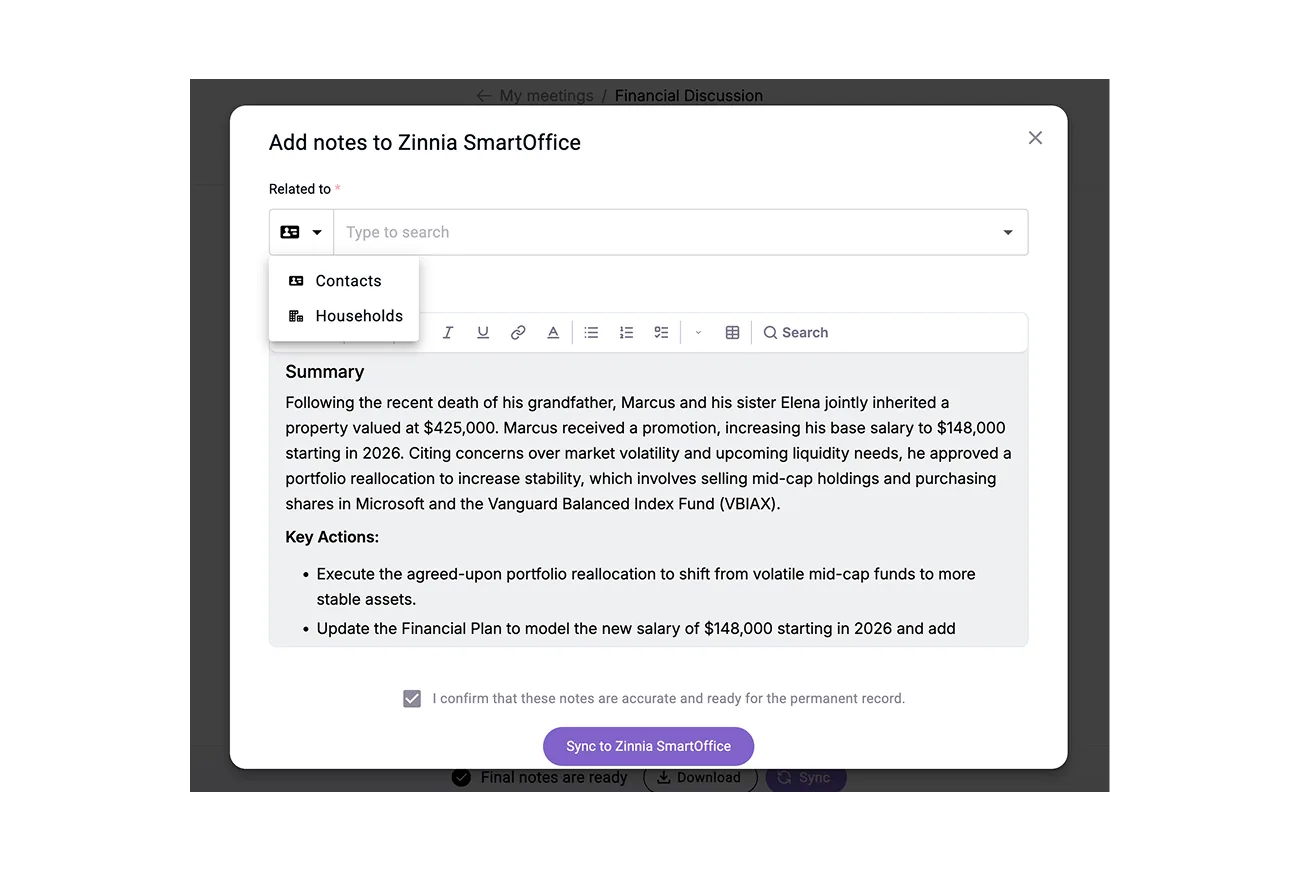
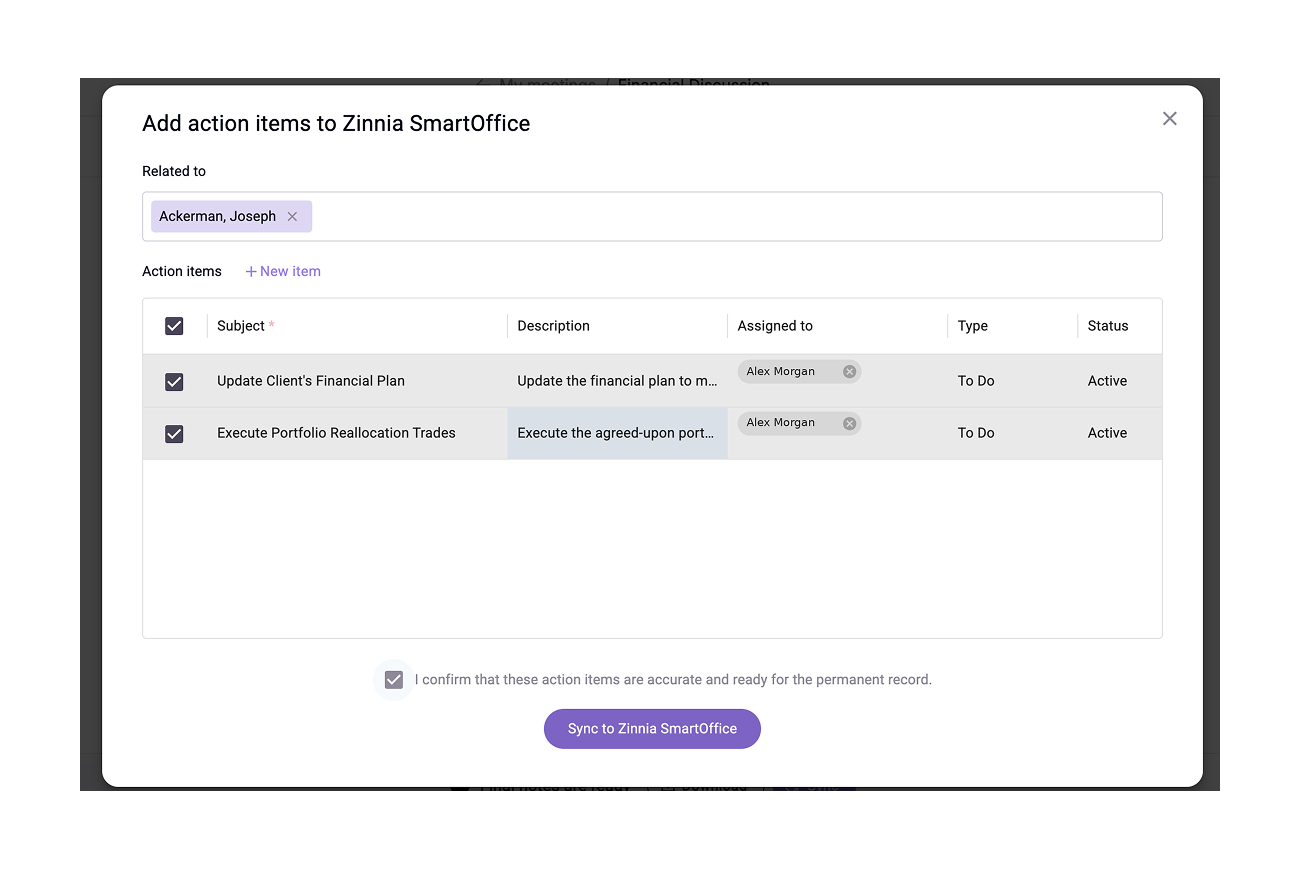
Meeting summaries capture key discussions, decisions, and next steps. Activities sync with complete details to Zinnia SmartOffice system.
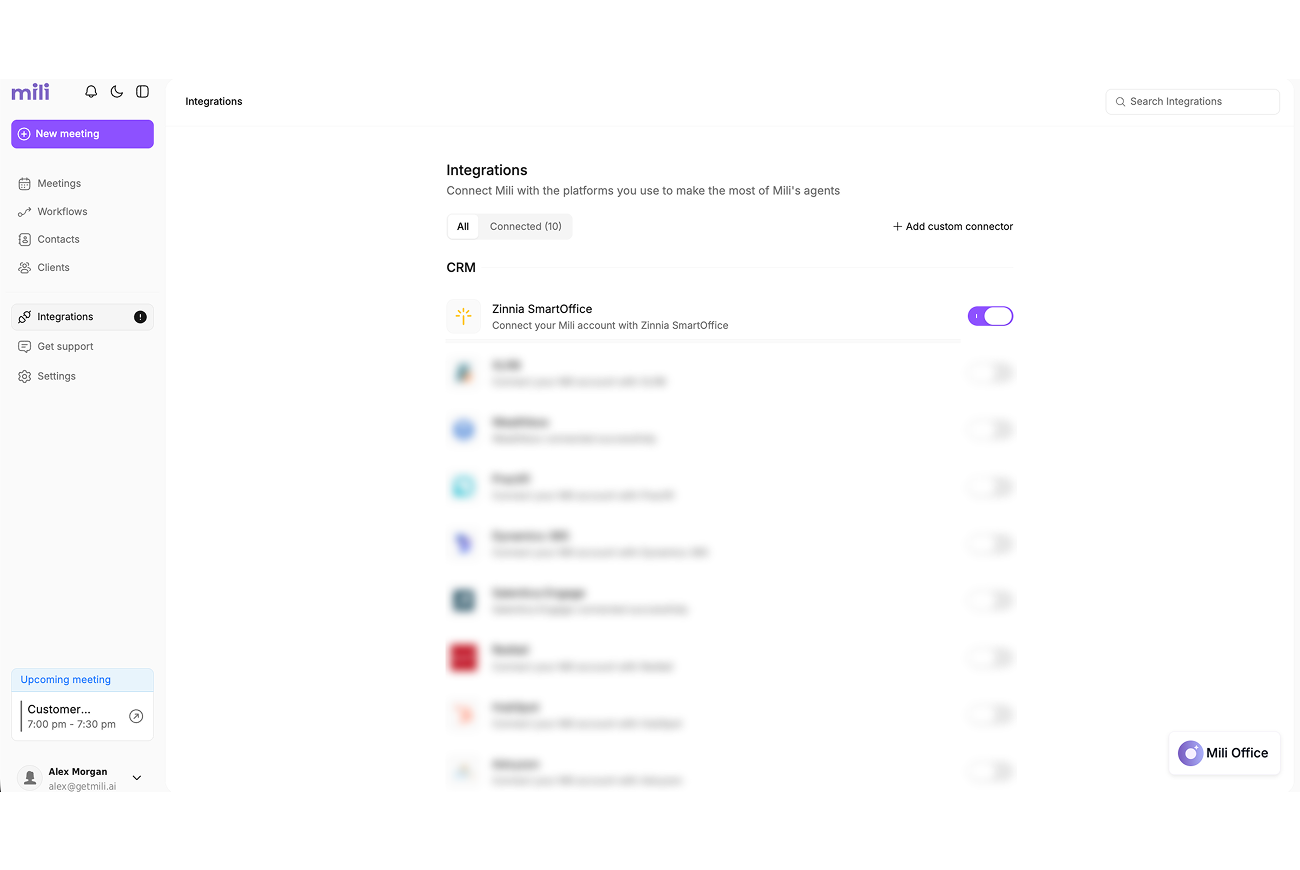
You can push to Households, Contacts, SmartPad notes, and Activities.
Every sync requires your explicit approval. You review all notes, activities, and field updates before they enter Zinnia SmartOffice. That means your CRM stays accurate and up to date.
At Mili, we believe in intentional data access. The integration runs an automatic daily sync for households and contacts to keep your records current. Meeting data only syncs on-demand, after your review. Mili does not access or store client data beyond these scheduled and user-triggered actions.
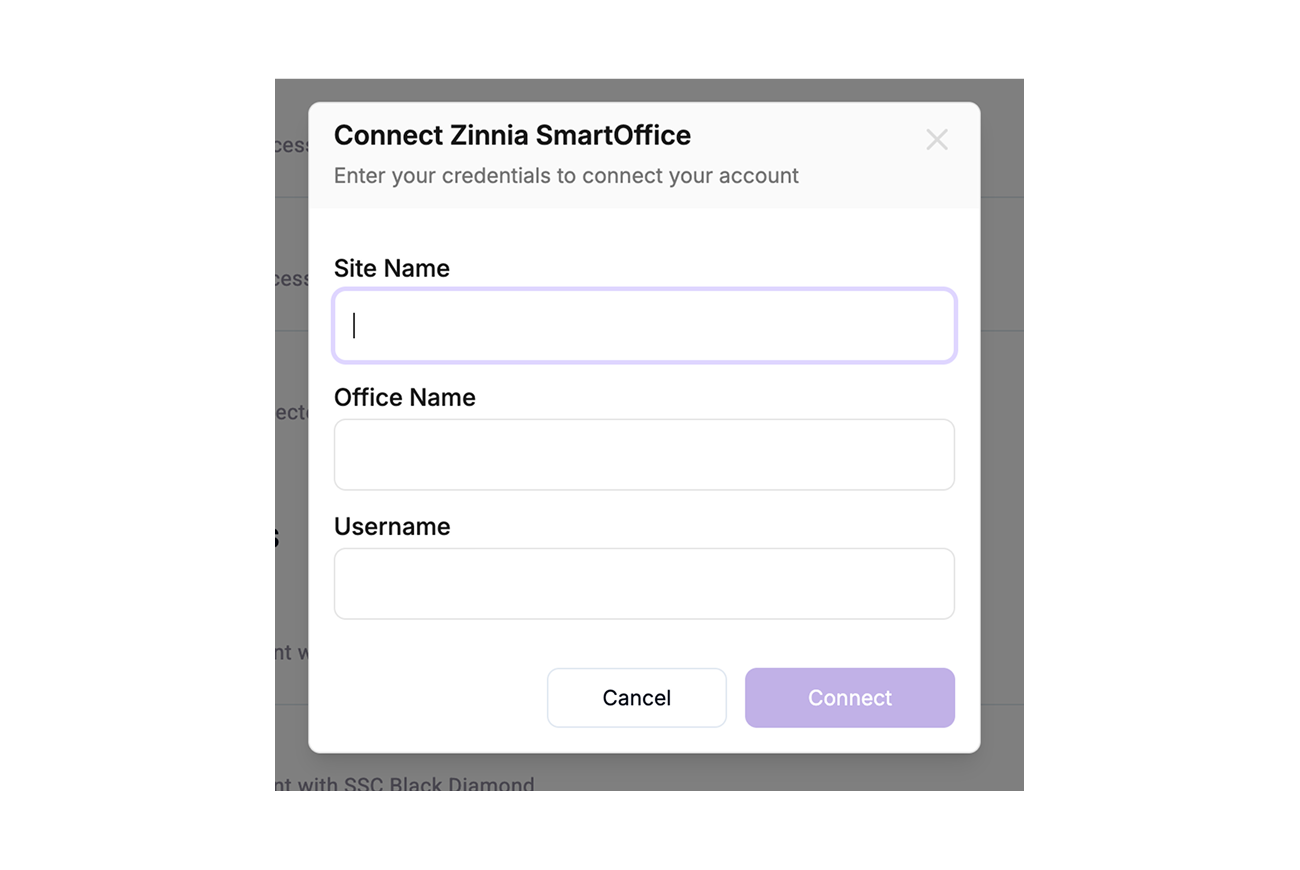
The integration matches your exact Zinnia SmartOffice user permissions. If you can see it in Zinnia SmartOffice, you can access it through Mili. Your existing security model stays intact.
Yes, your dedicated CSM will help configure which data types push to which objects, custom field mappings, and naming conventions for tasks. All sync preferences are user-regulated and can be customized per firm requirements.
Every answer in Mili Office includes source links showing exactly where the information came from. This grounding approach enables you to verify key outputs and reduces the risk of AI hallucinations.
