


Get started with Mili + TradePMR
How it works
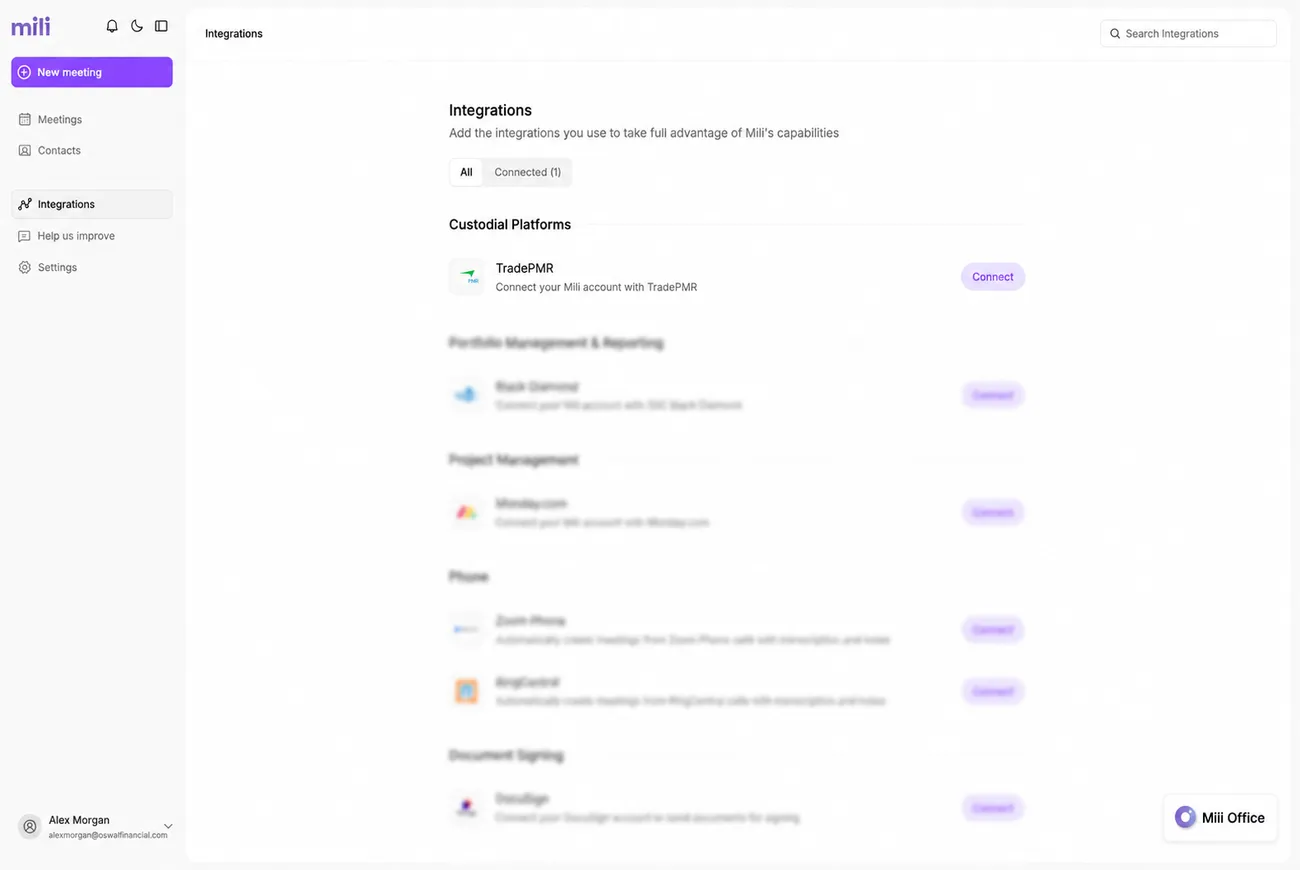
Head to Settings → Integrations → Click "Connect TradePMR" → Authorize
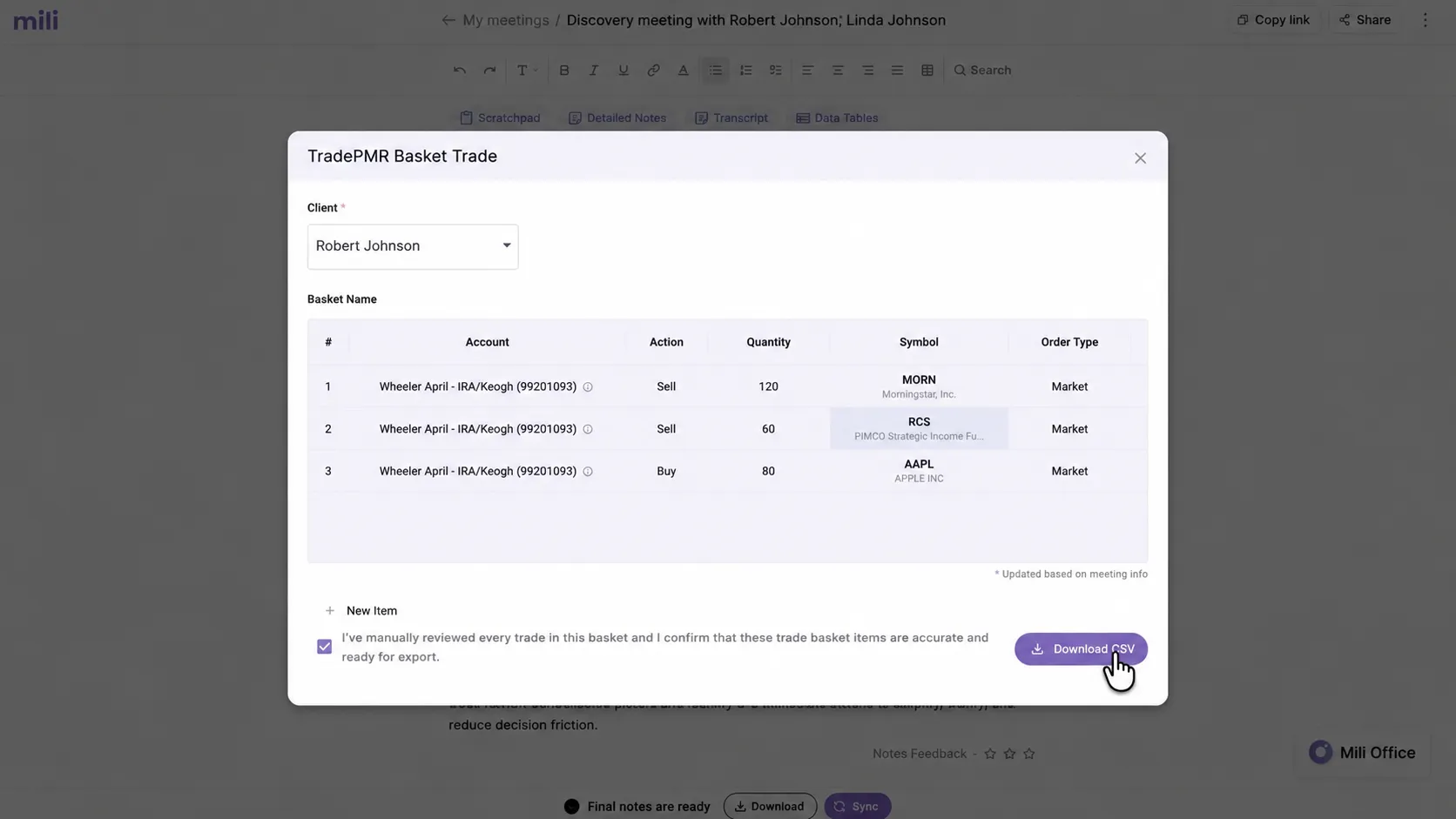
Mili pulls context from your meeting and creates a trade basket on syncing
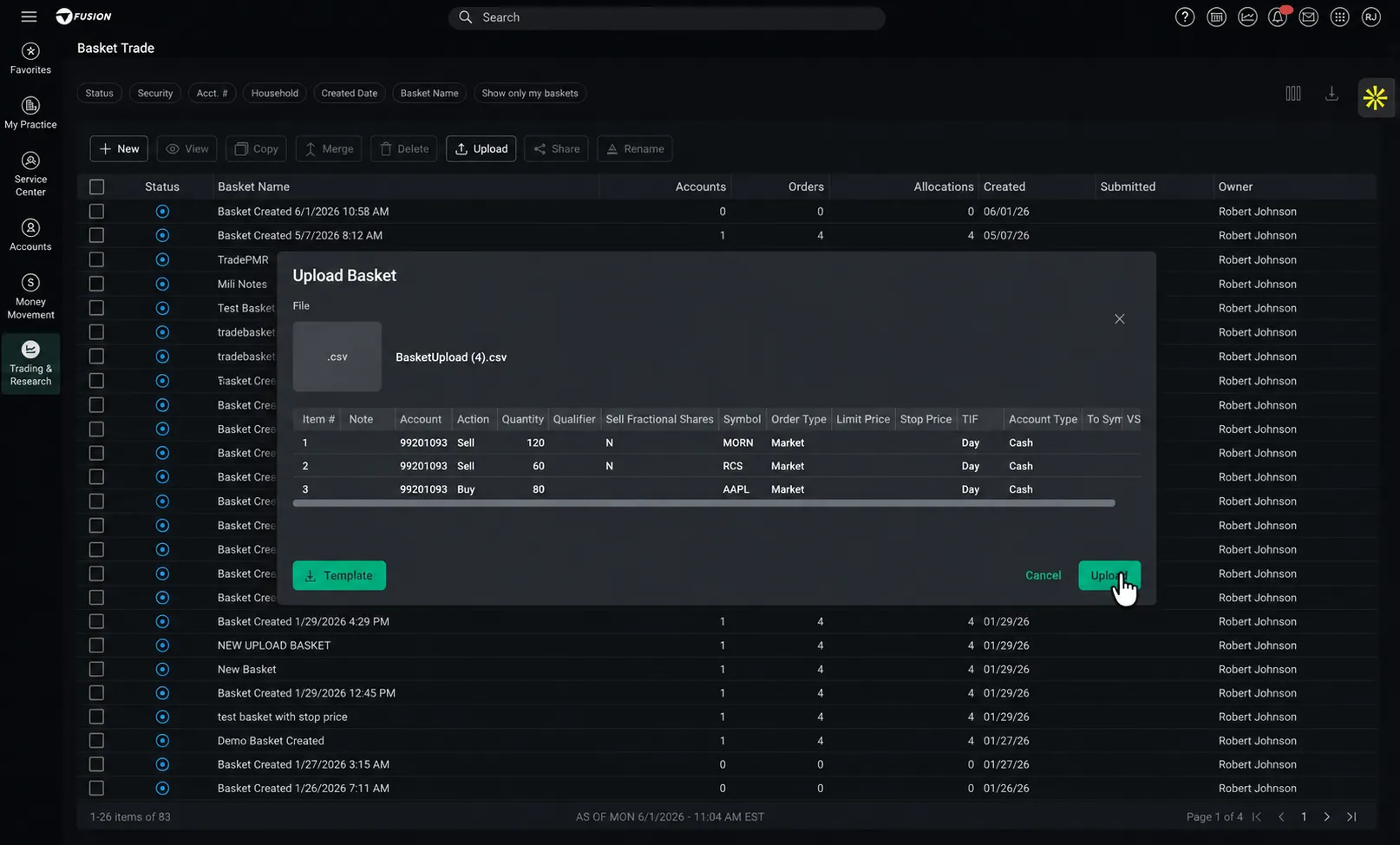
Review every line, confirm, and download the basket to upload in TradePMR.
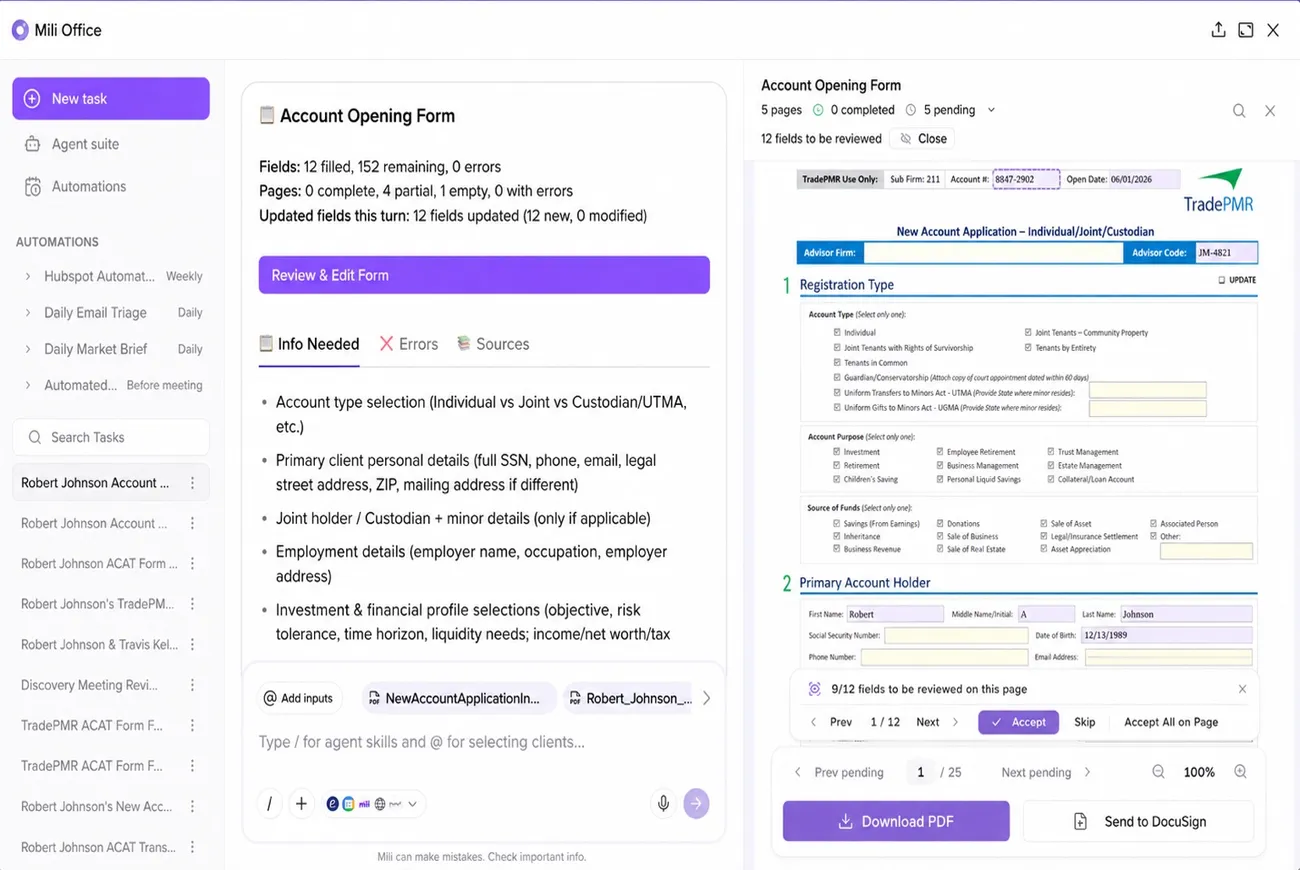
Mili pre-fills account openings, ACAT transfers & more from your meetings
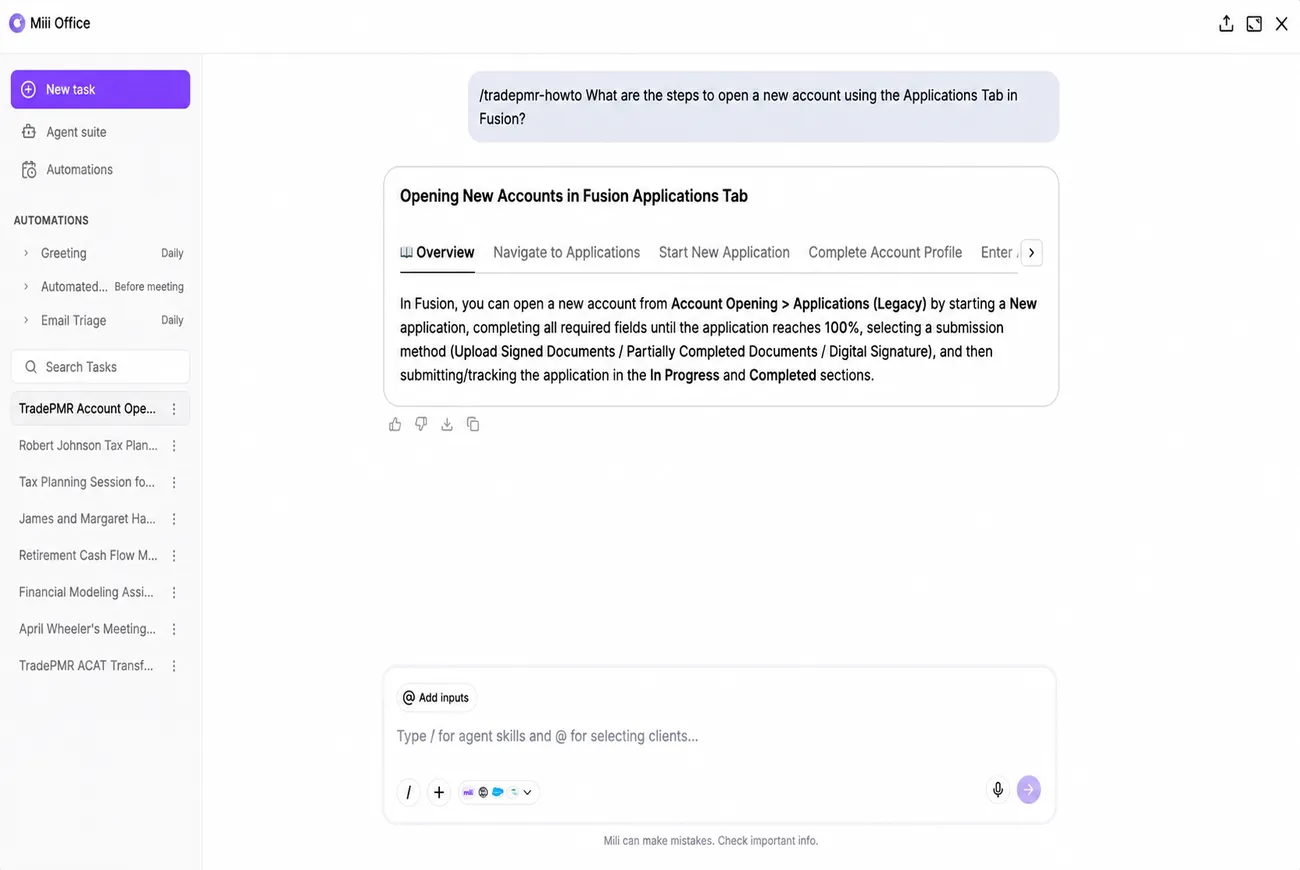
Ask any "How do I do this in TradePMR?" question. Get step-by-step answers
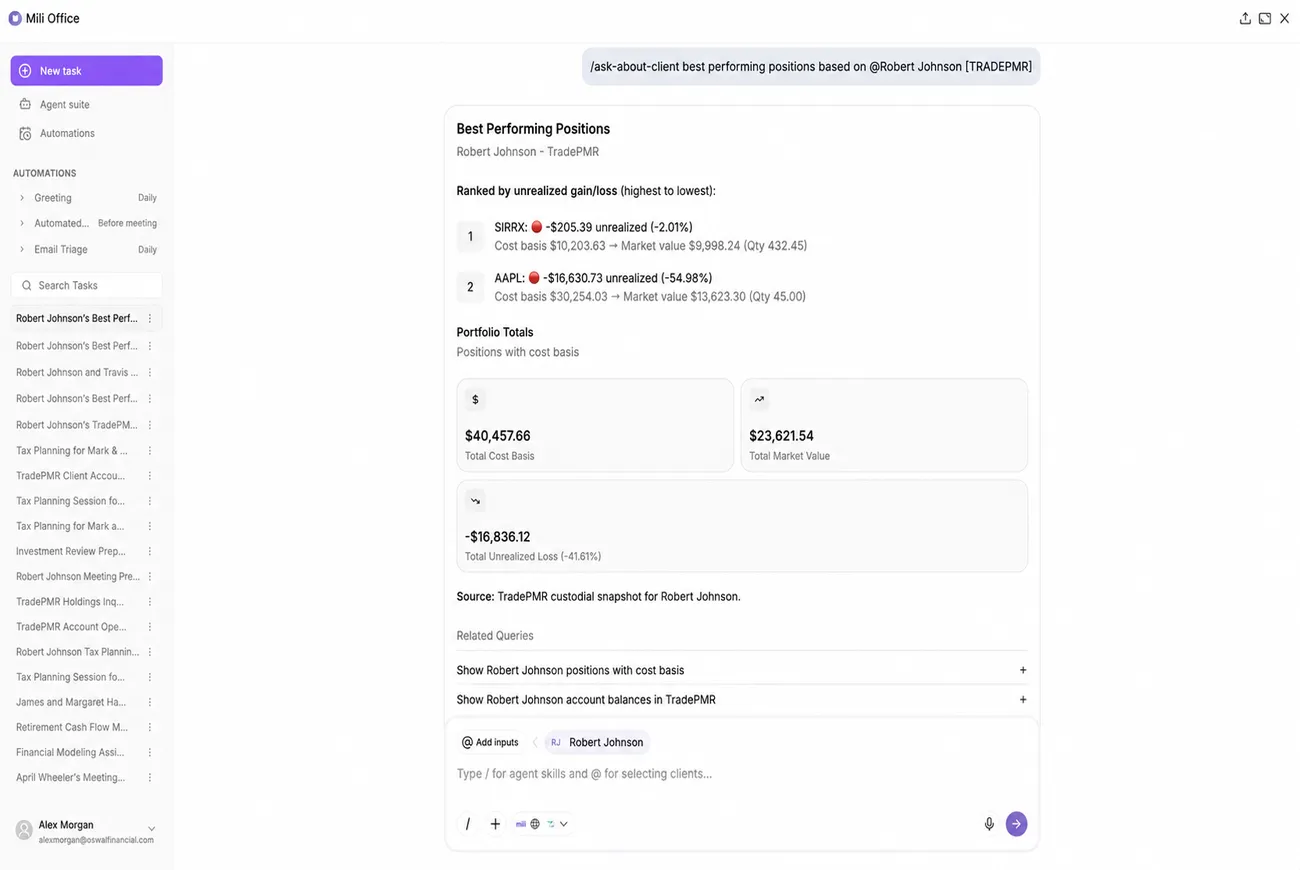
Open Mili Office to fetch account data and run TradePMR tasks on demand
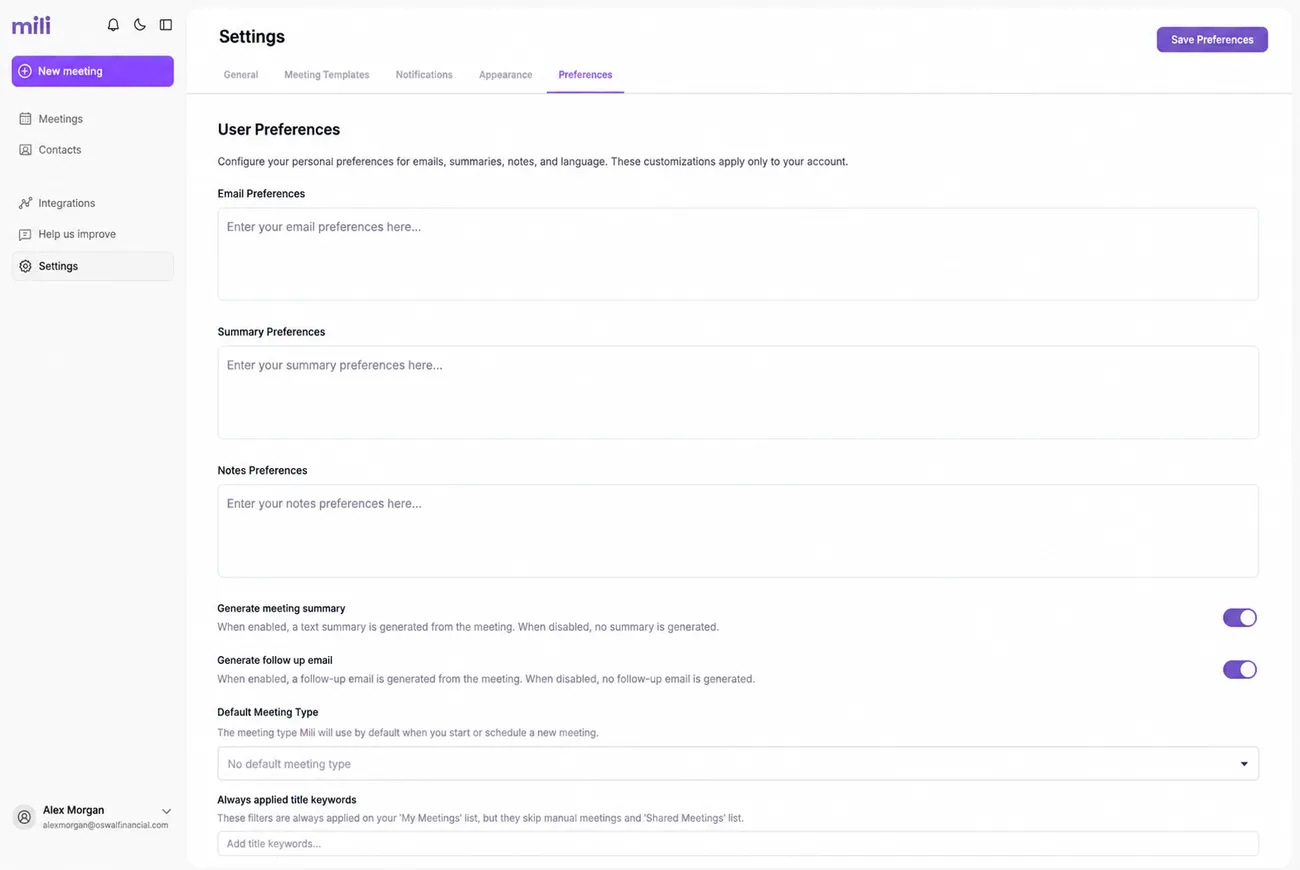
Customize skills in Mili Office or configure custom workflows with TradePMR
Webinar
Frequently Asked Questions
01
02
03
04
05
06
07
08
