


Get started with Mili + ShareFile
How it works

Webinar
Frequently Asked Questions
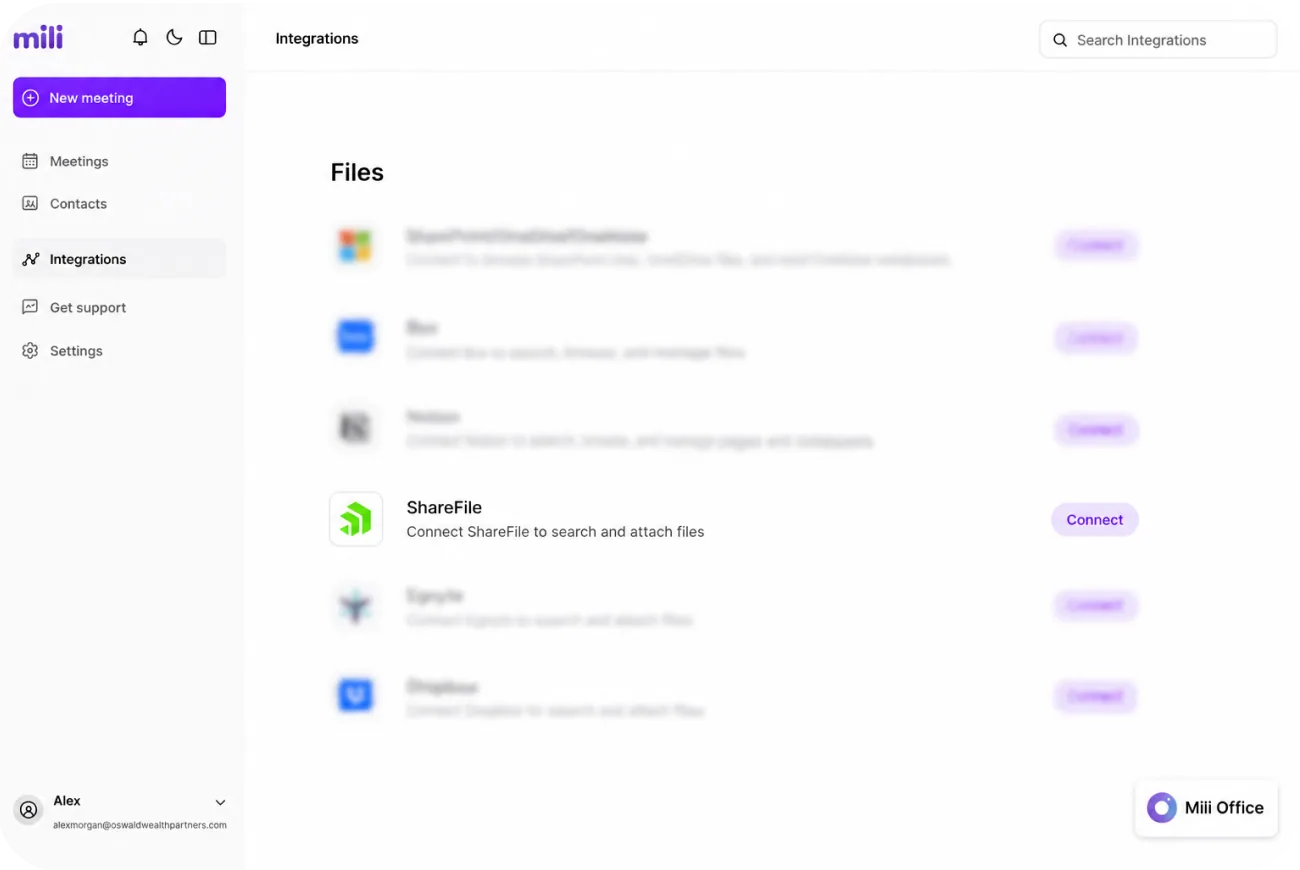
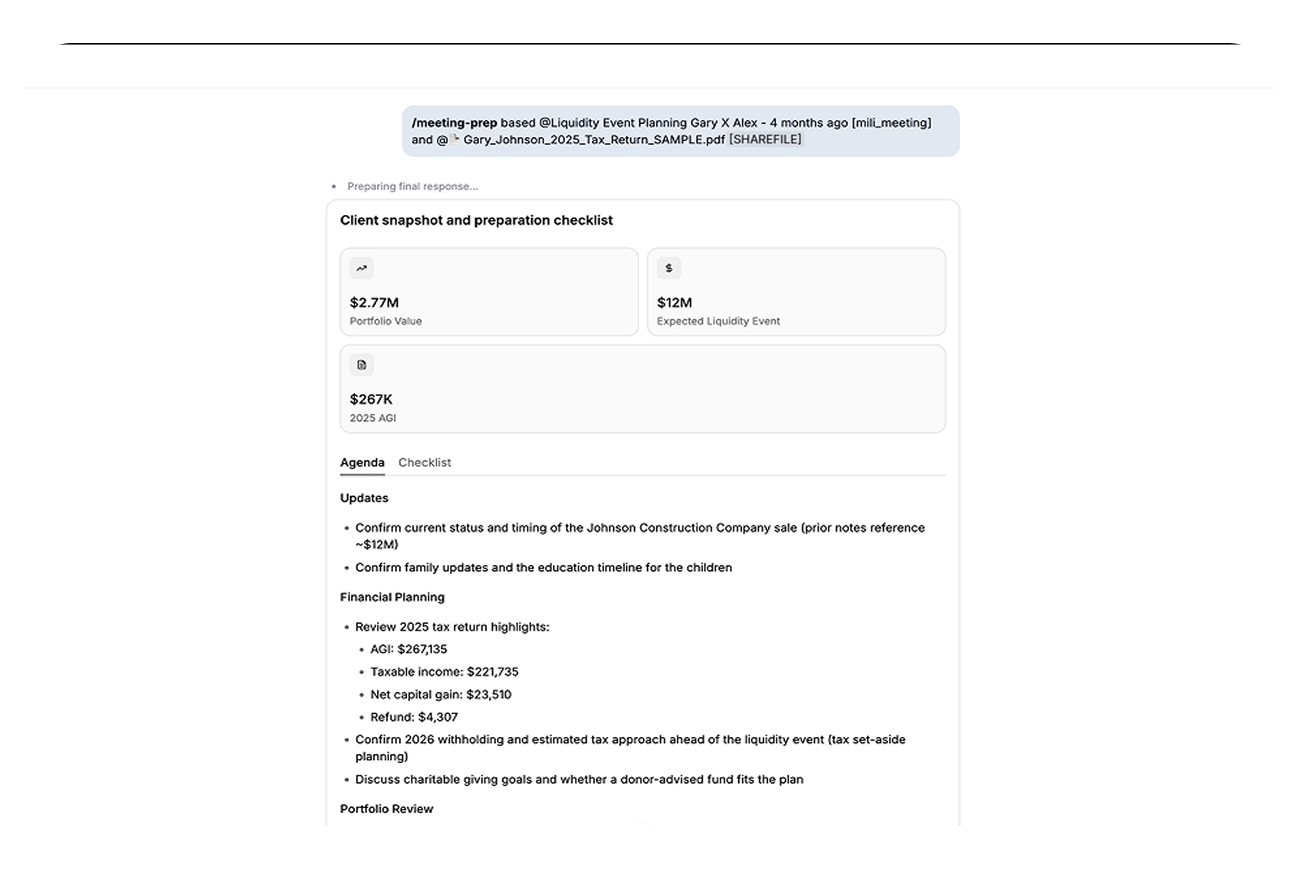
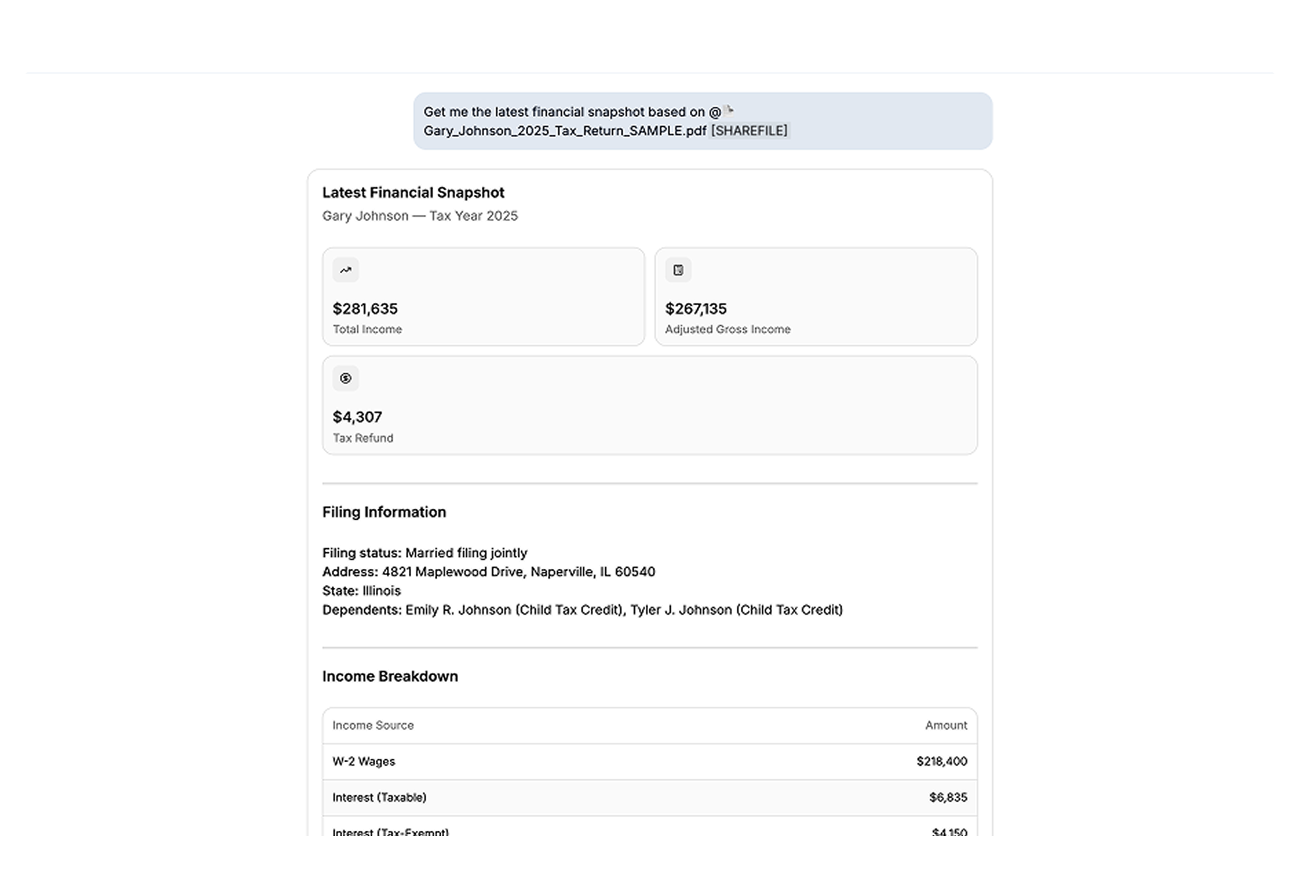
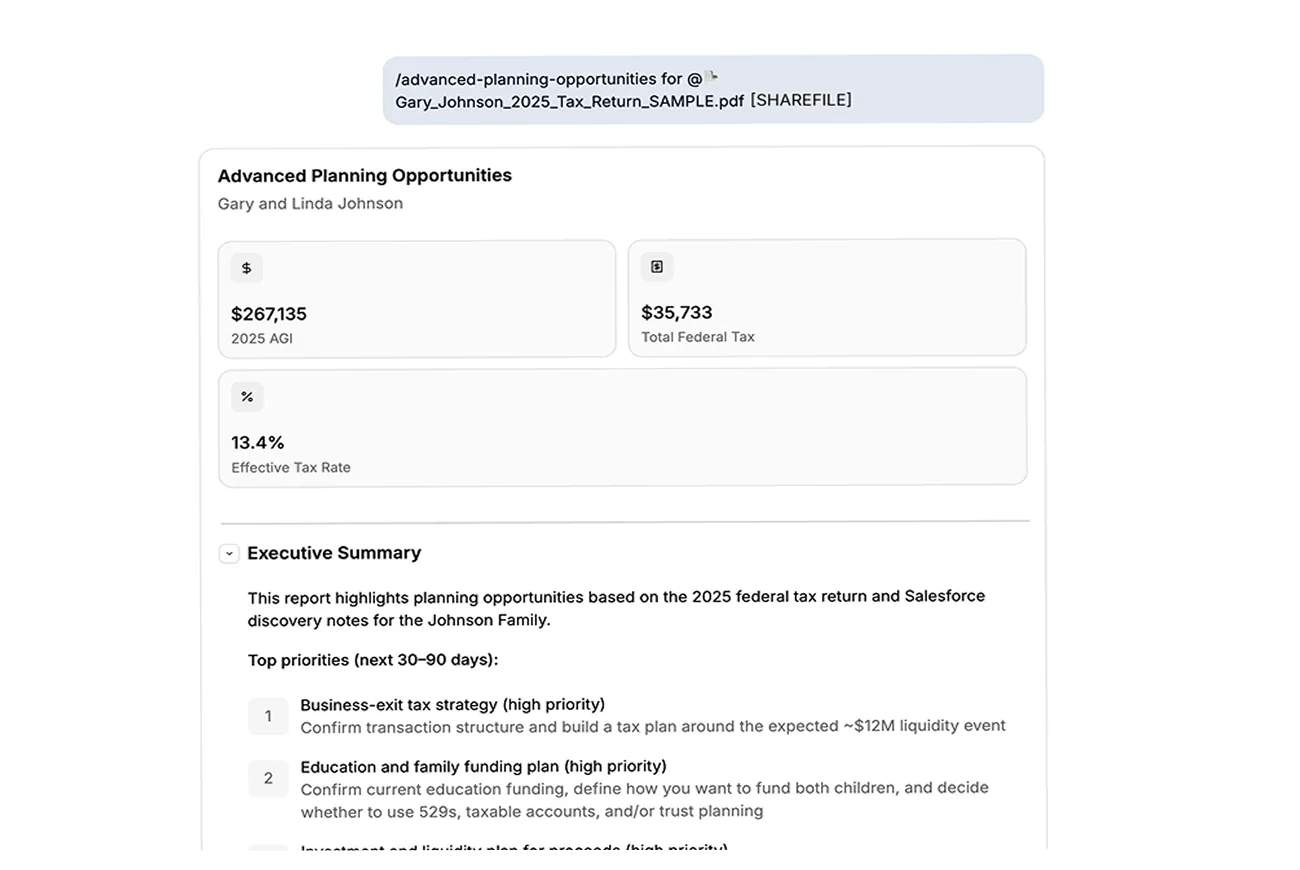
Pull a client's statement into meeting prep. Ask for a financial snapshot from a PDF sitting in ShareFile. Run planning skills using a client's folder. Just type @ in any chat and pick the file, no downloading, no switching tabs.
Mili can access whatever your ShareFile account can access, nothing more. If a folder isn't shared with you in ShareFile, Mili can't see it either.
No. Mili opens a file only when you ask for it in a request. There's no background scanning and no indexing of your ShareFile account.
No. Your files stay in ShareFile. Mili reads a file for your request and that's it, nothing gets saved on Mili's side.
Yes. Mention a folder and Mili reads the files inside it. For really big folders, pick a subfolder or a specific file so Mili looks at exactly what you need.
Yes. Connect Box, ShareFile, Mili's other supported document stores, alongside ShareFile. You can even mix them in a single request, like pairing a Salesforce contact with a ShareFile file for meeting prep.
Every answer in Mili Office comes with source links, so you can see exactly which file or record it came from and check it yourself.
