


Get started with Mili + Orion
How it works

Webinar
Frequently Asked Questions
Mili can see a household's total assets, how each account is registered, the accounts themselves, holdings (with cost basis for a position, where Orion has it), recent transactions, monthly performance, the list of available reports, and the names of documents on the household. It can't see tax lots, advisor notes, or PDFs generated inside Orion.
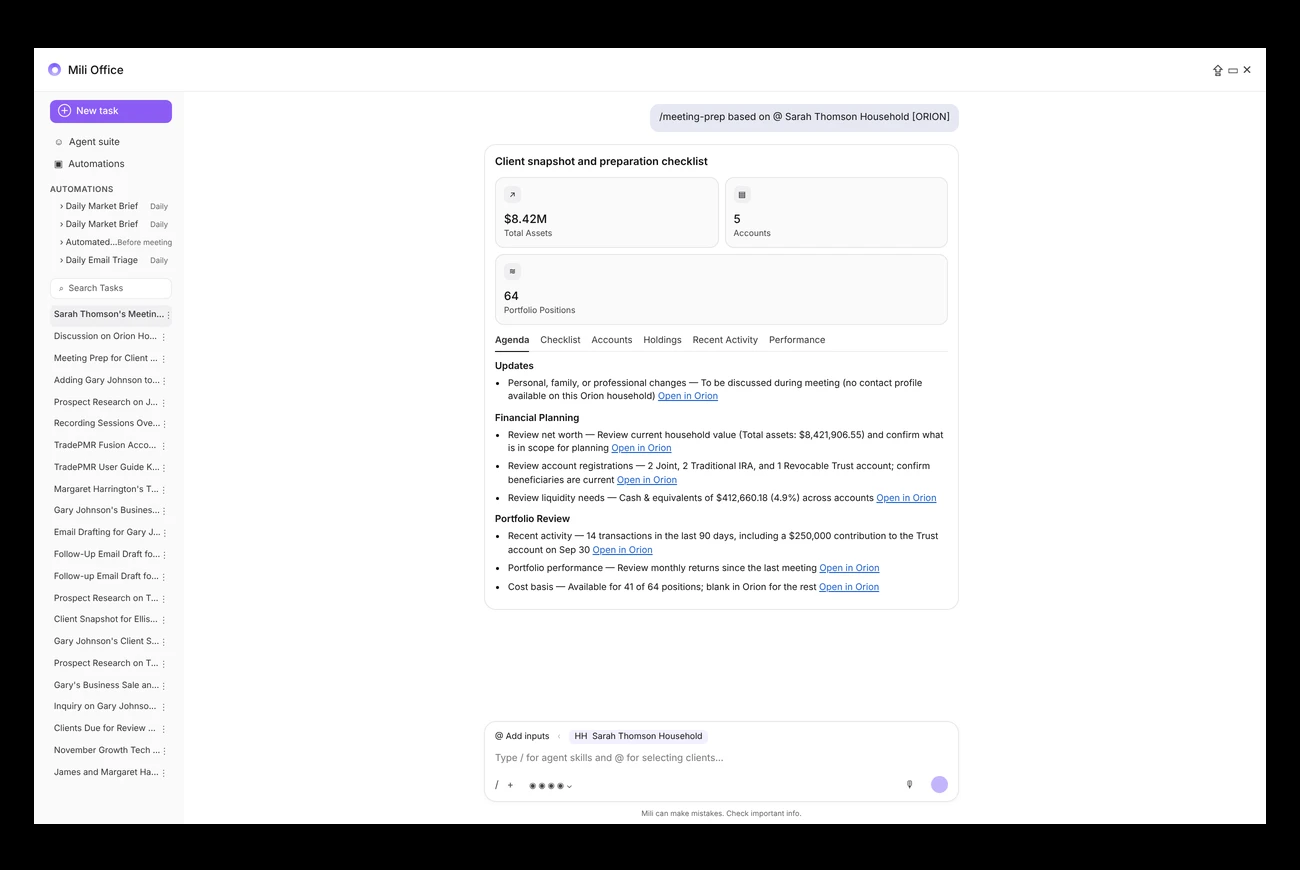
Type /meeting-prep and @ the Orion household. Mili pulls their accounts, biggest holdings, and recent activity, so you walk in ready without opening Orion and hunting through screens.
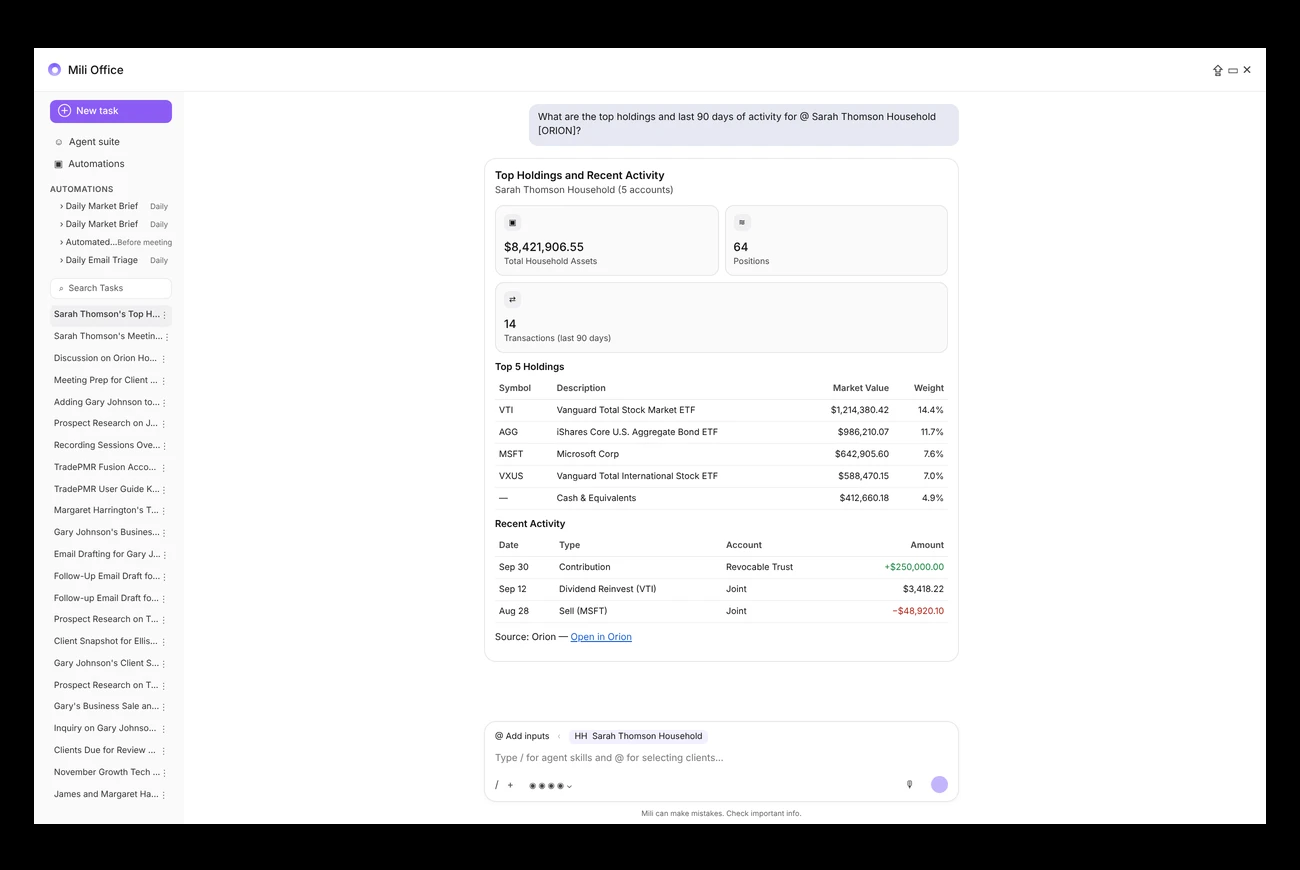
Yes. @ the household and ask it the way you'd say it, like "What are the top holdings and last 90 days of activity?" It works in chat, meeting prep, client snapshots, and planning questions.
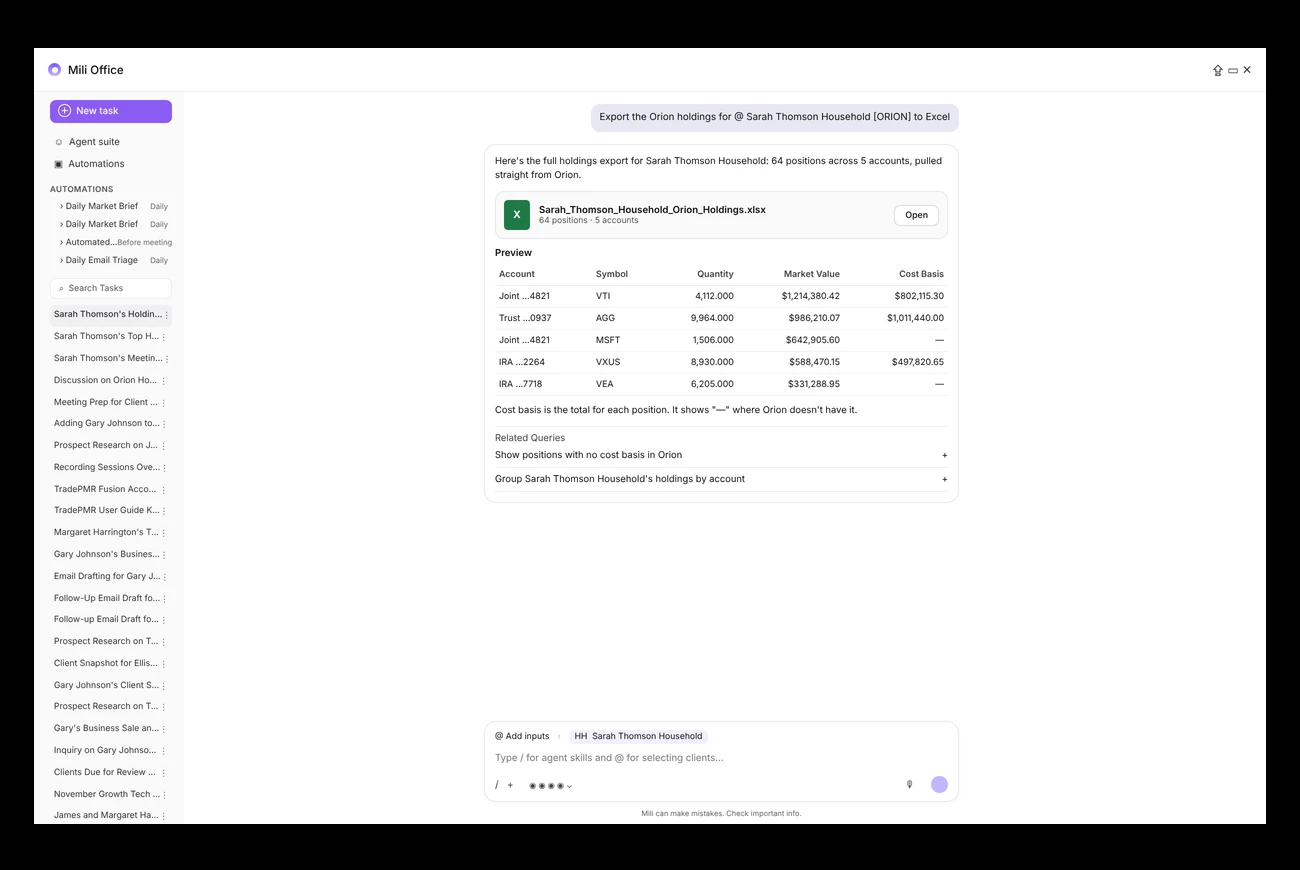
Yes. Ask Mili to export the Orion holdings for that household. You get an Excel file you can open right in Mili, with every current position listed. The numbers come straight from Orion, not from a rounded summary.
No. Mili looks the information up fresh from Orion each time you ask. There's nothing to sync and no overnight update to wait for. If you disconnect Orion, Mili stops looking anything up.
No. This connection only reads. Mili will never create or change anything in Orion.
Orion doesn't make its individual contacts available to Mili, so the @ list shows Orion households only.
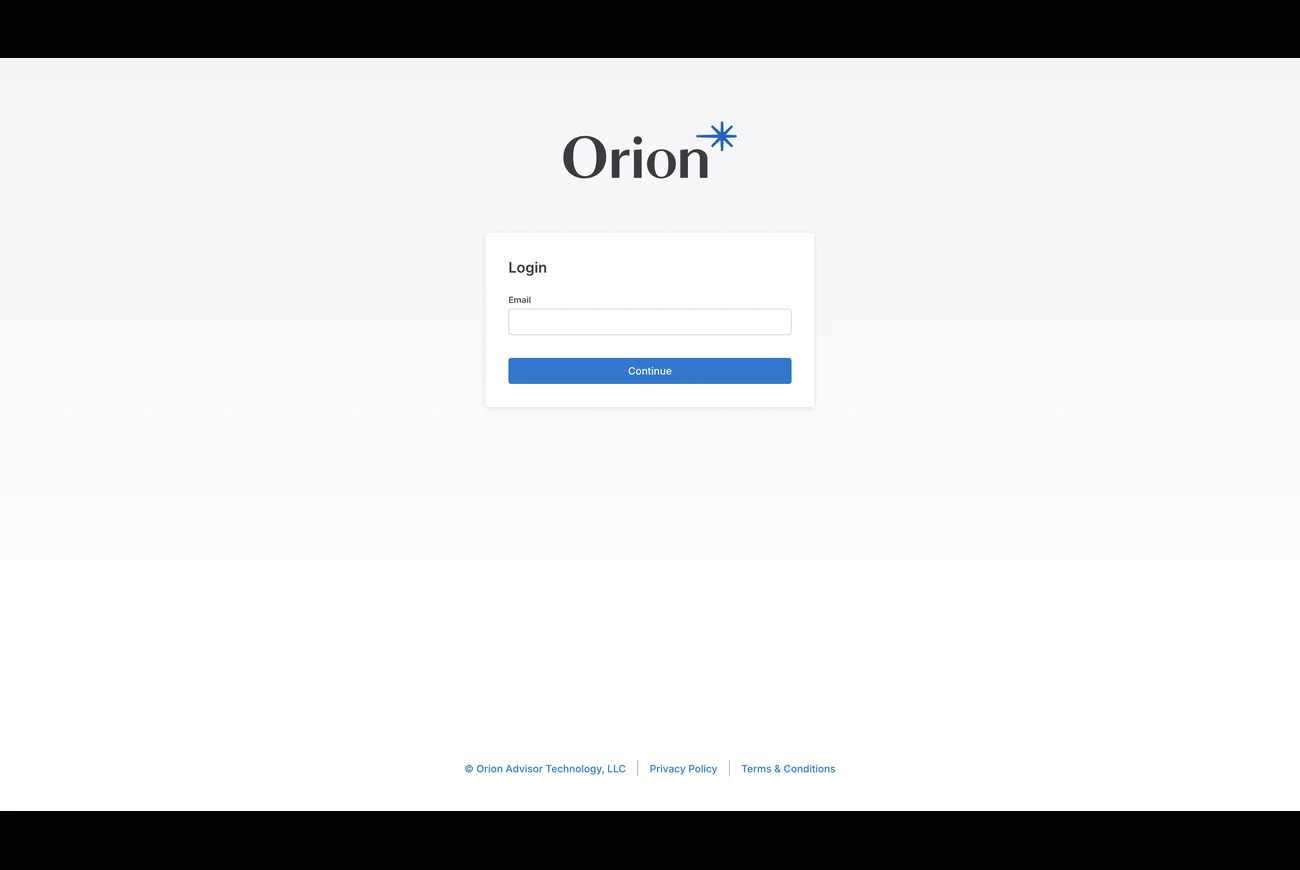
It's much the same idea: a live look at a portfolio that you pull up with @. The differences are that Orion connects with your Orion username and password rather than a browser sign-in, and the @ list shows households only.
