
Get started with Mili + Google Calendar
How it works

Webinar
Frequently Asked Questions
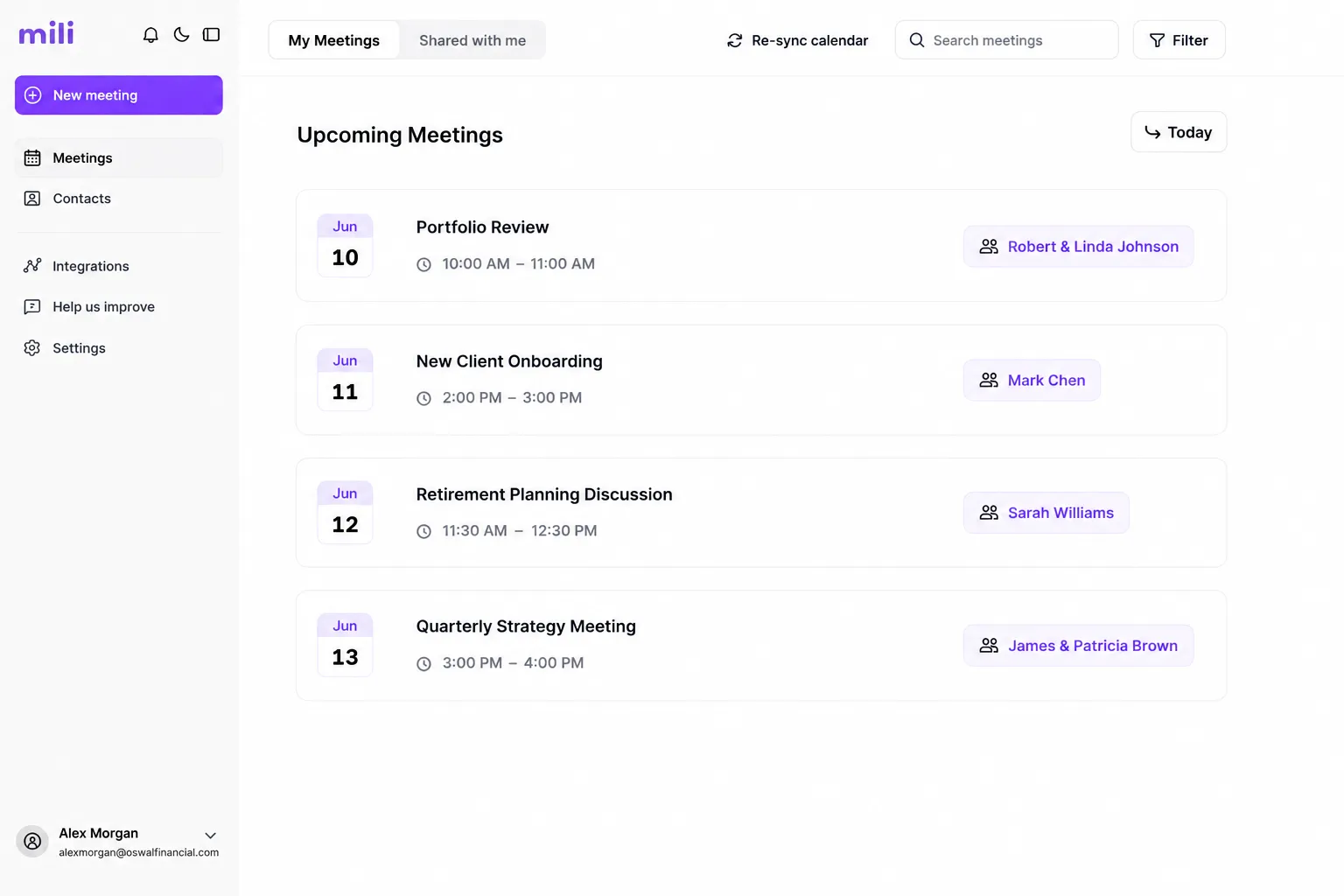
Mili reads meeting titles, dates, times, and participant emails from the Google calendars you choose to connect. It uses participant emails to match meetings to client records in your CRM. Mili does not read event descriptions, attachments, or any data from calendars you haven't connected.
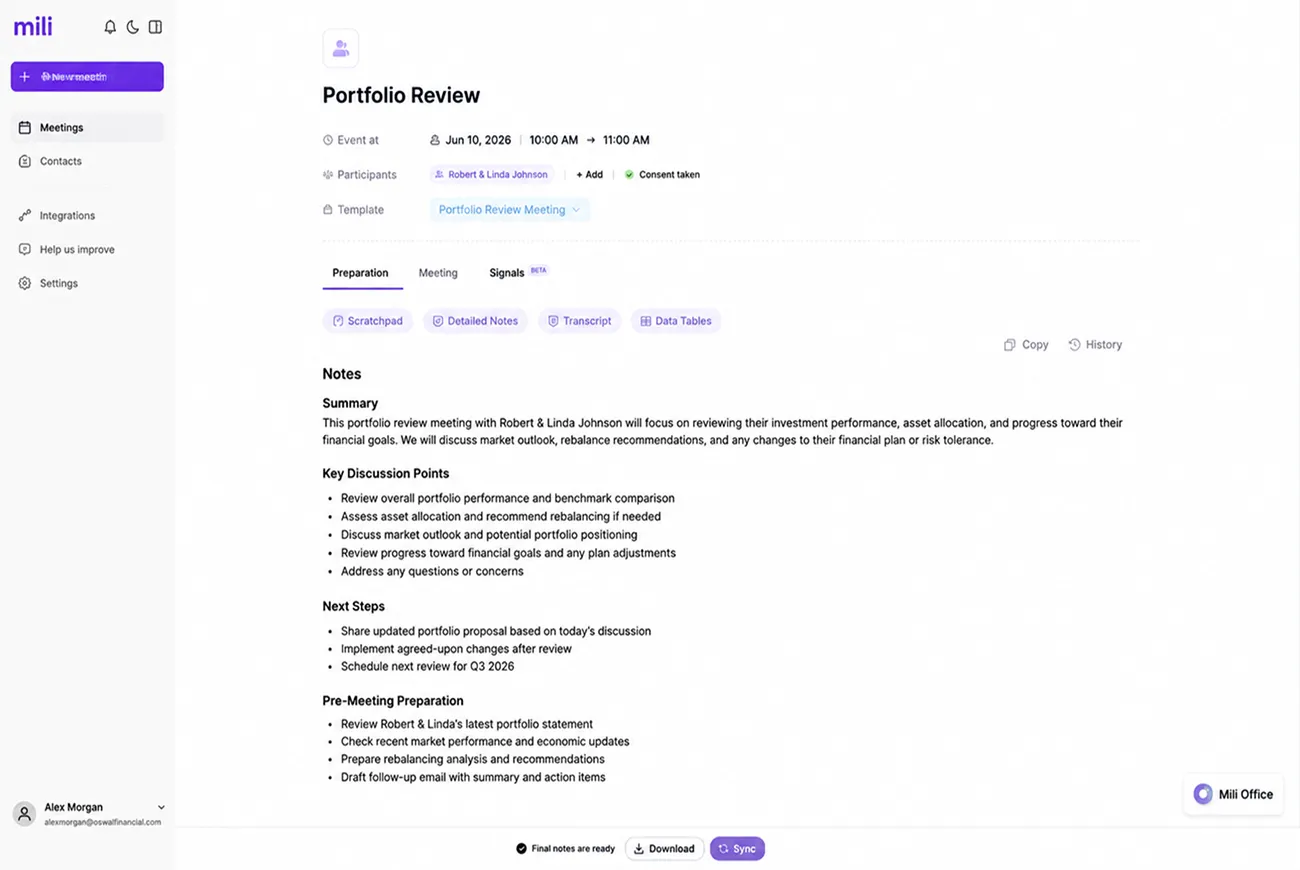
Mili reads your Google Calendar to track meetings, prepare client briefs, and check your availability for scheduling. When you use the scheduling feature, Mili can send meeting invites on your behalf, but only after you review and approve them. Mili never edits, moves, or deletes your existing Google Calendar events.
Mili looks at the participant email addresses and meeting titles from your Google Calendar, then matches them against contacts in your connected CRM. If a client's email is in your CRM, Mili connects the dots automatically. If Mili can't find a match, it flags the meeting so you can link it to the right client manually.
Mili picks up changes from Google Calendar automatically. If a meeting moves to a new time, the client brief updates to match. If a meeting is cancelled, Mili archives the prep materials so you still have them if the meeting gets rebooked later. You don't need to do anything, Mili stays in sync on its own.
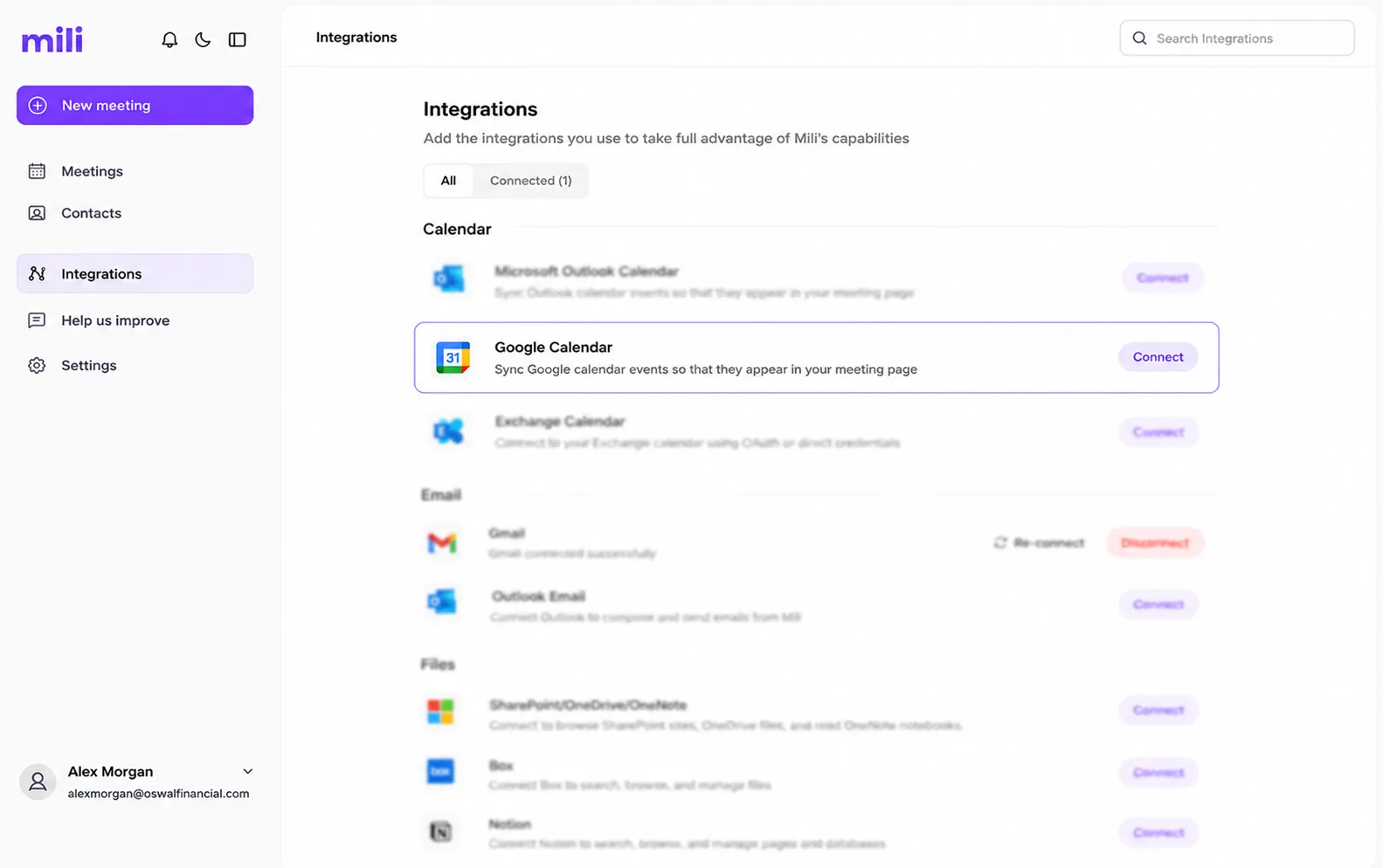
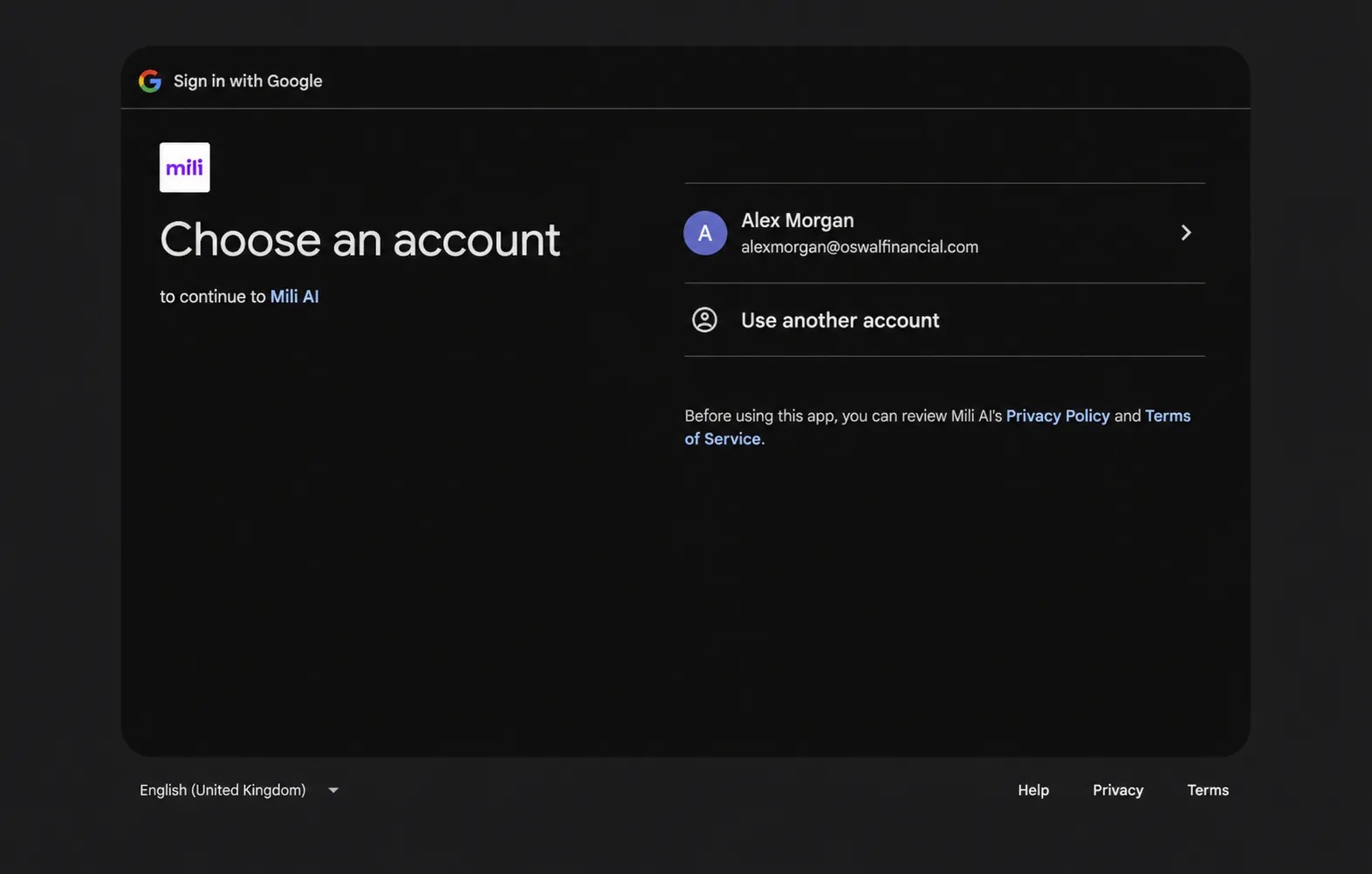
No. Mili connects through Google's secure OAuth, the same sign-in process you've used anytime an app asks to "Sign in with Google." You approve specific permissions (calendar read access) directly through Google's own screen. Mili never sees or stores your password. You can revoke access anytime from your Google Account settings.
Yes. If a meeting is on your Google Calendar, Mili prepares for it, whether it's a Zoom call, a phone call, or a sit-down at your office. The client brief, past notes, and suggested agenda are ready regardless of meeting format. The only difference is how you capture notes during the meeting itself (Mili's Meeting Agent handles that part).
