


Get started with Mili + eMoney
How it works
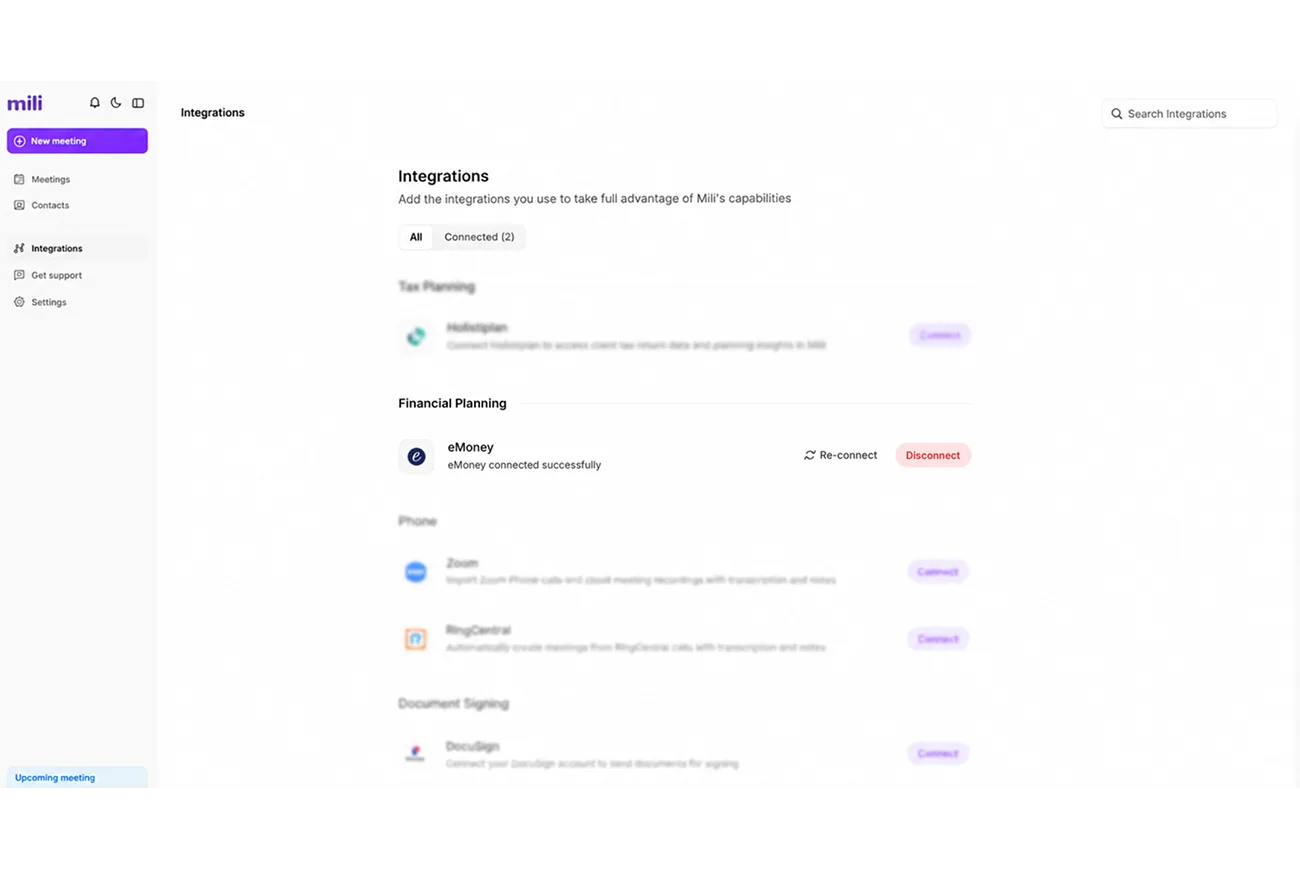
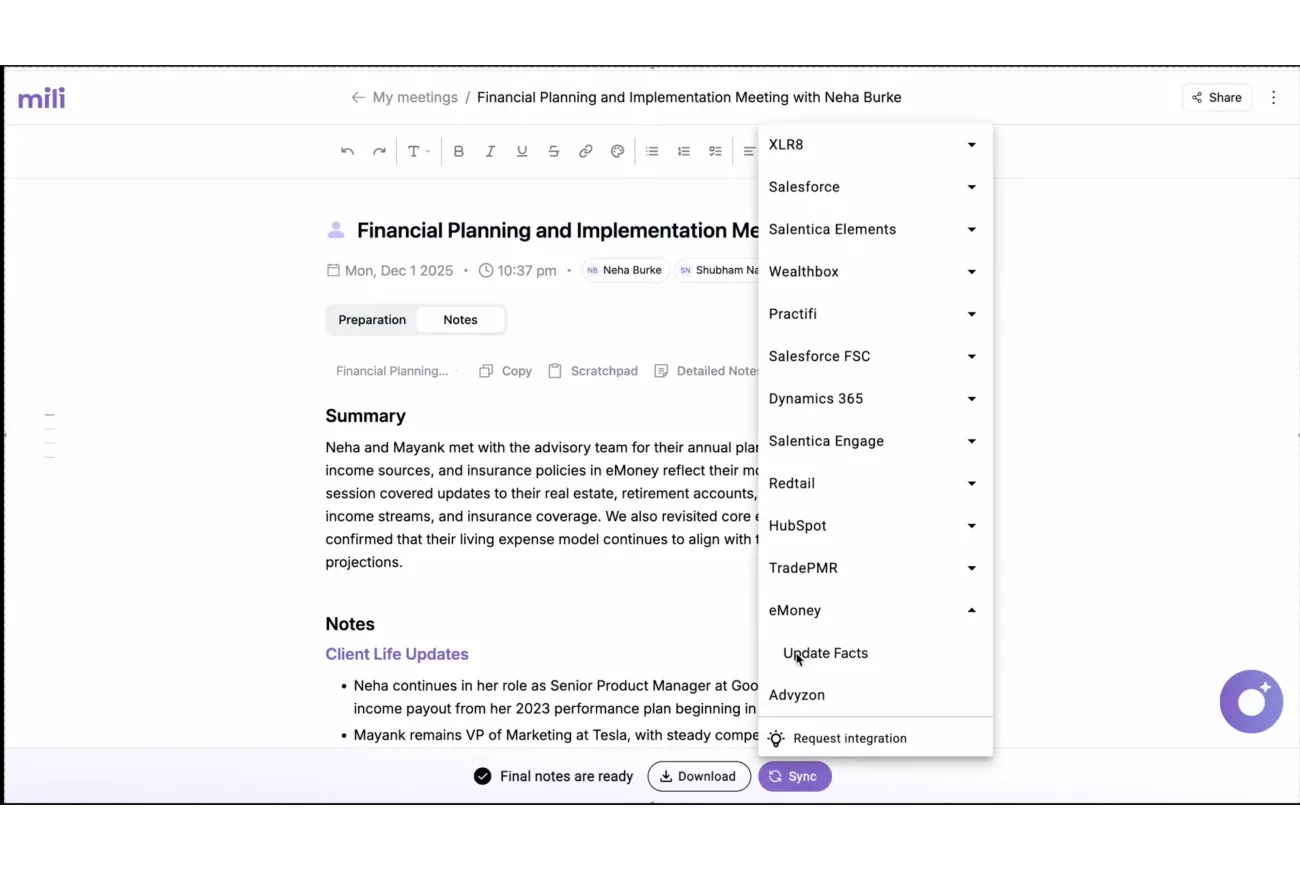

Webinar
Frequently Asked Questions
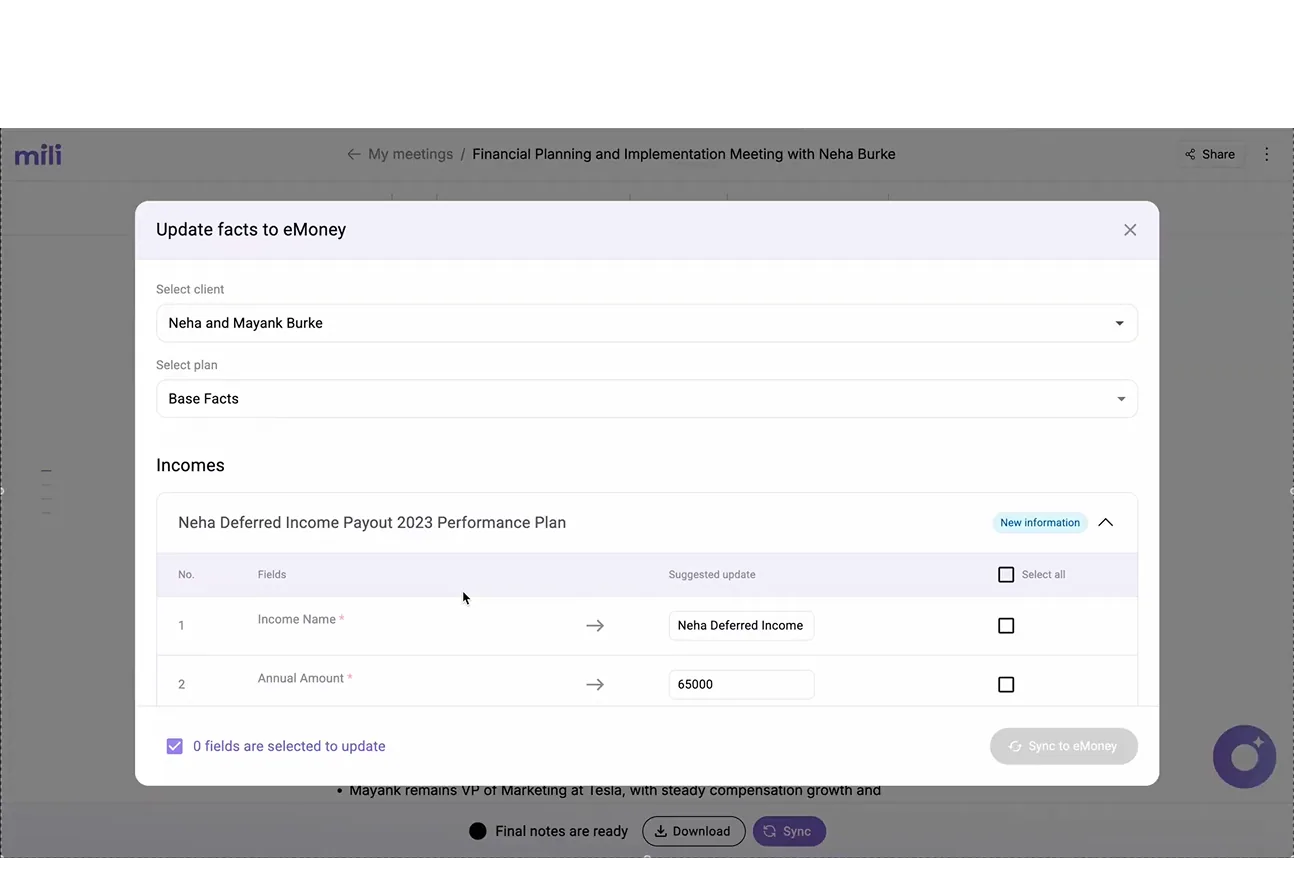
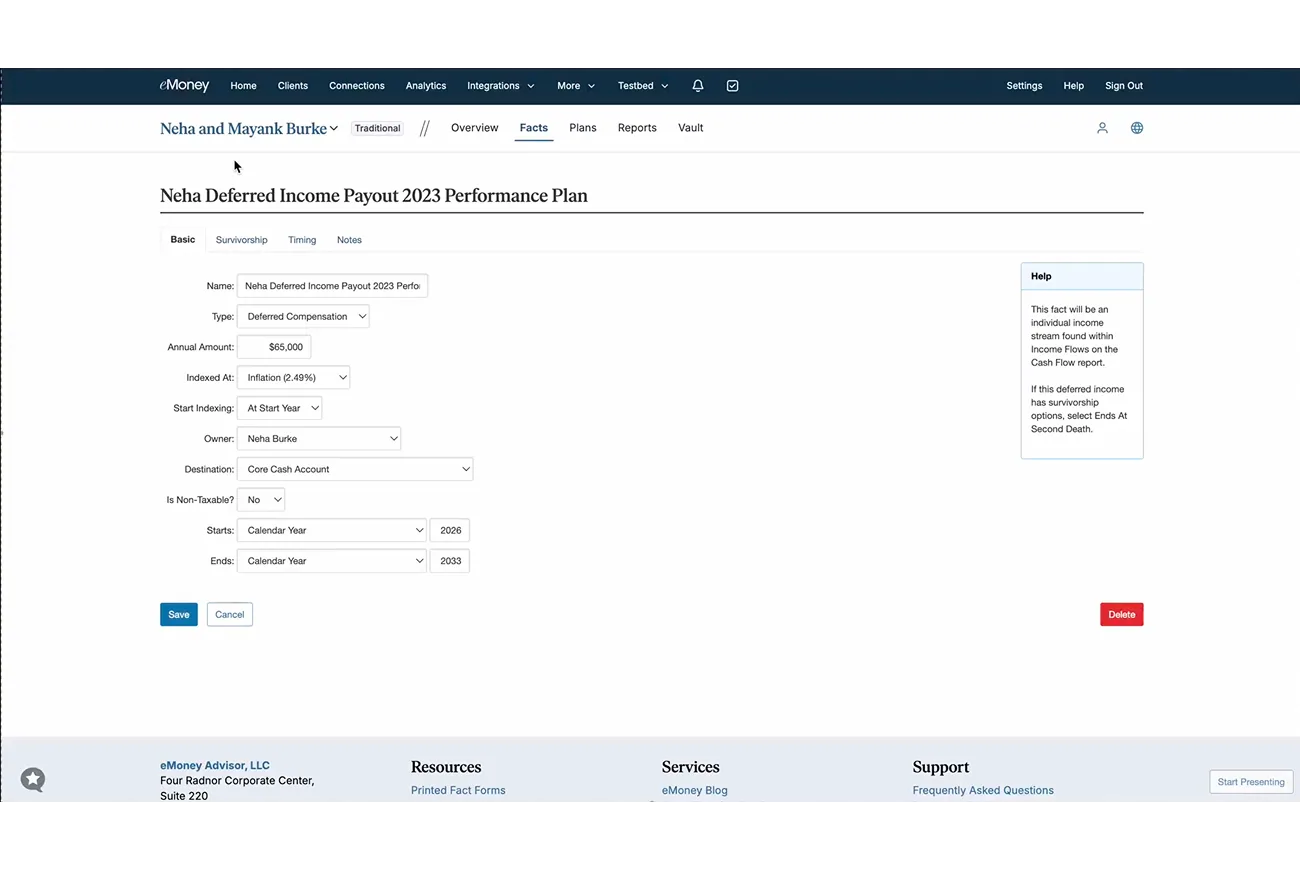
It pushes the facts from your meeting notes straight into a client's eMoney plan. Things like new income streams, updated amounts, and ownership changes go in with a click, so you skip the manual data entry.
No. Mili only suggests updates. You review every field, edit what you want, and pick exactly which ones to sync. Nothing changes in eMoney until you click "Sync to eMoney."
Incomes, amounts, owners, income types, and more. Mili reads your notes and maps the new details to the right fields in the plan you choose.
Yes. Every field is editable. Change an amount, switch the owner between spouses or joint, or adjust the income type before you sync.
Yes. Querying, meeting prep, and prospect research all work the same way as your other integrations, pulling client context on demand.
Every answer in Mili Office includes source links showing exactly where the information came from. This grounding approach enables you to verify key outputs and reduces the risk of Al hallucinations.
