


Get started with Mili + Egnyte
How it works

Webinar
Frequently Asked Questions
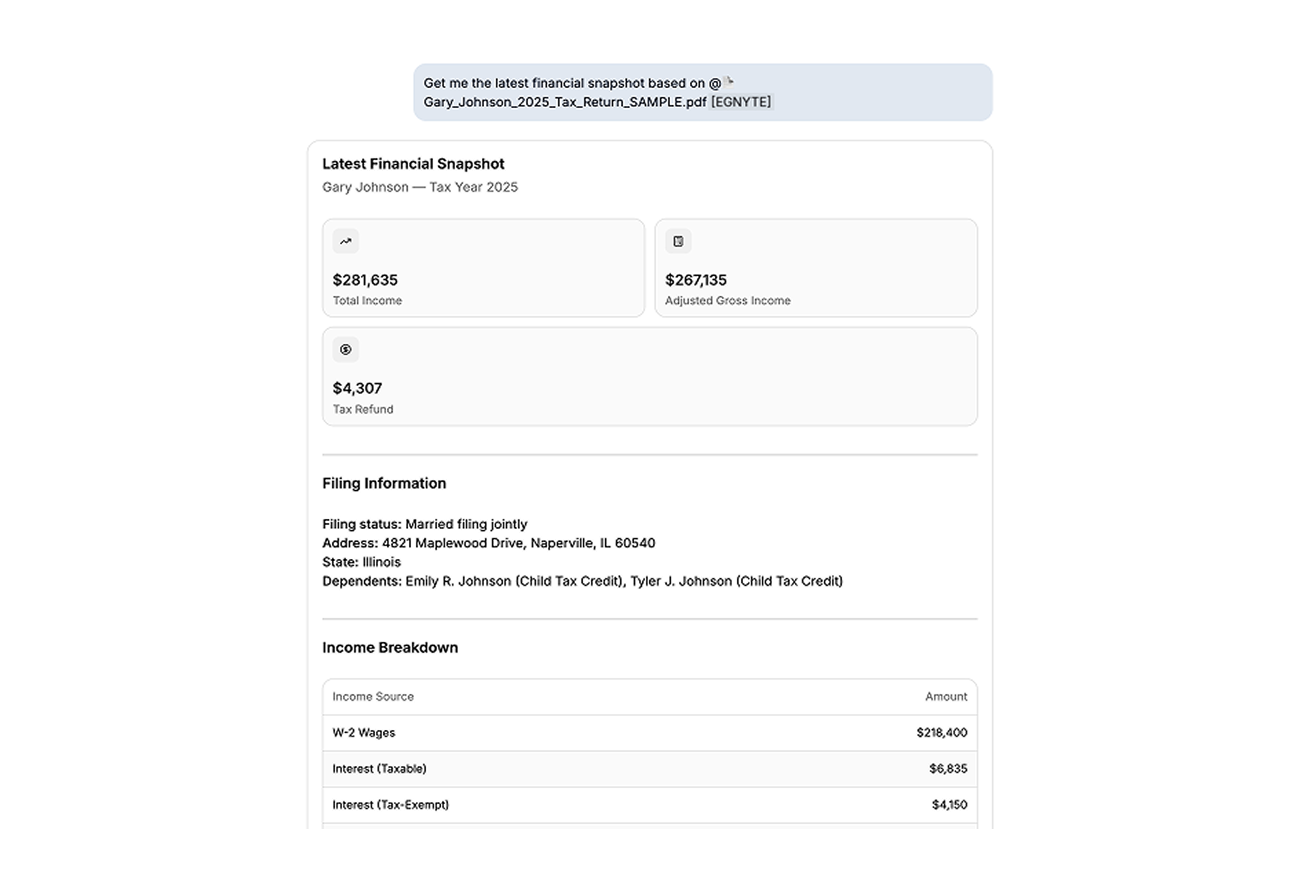
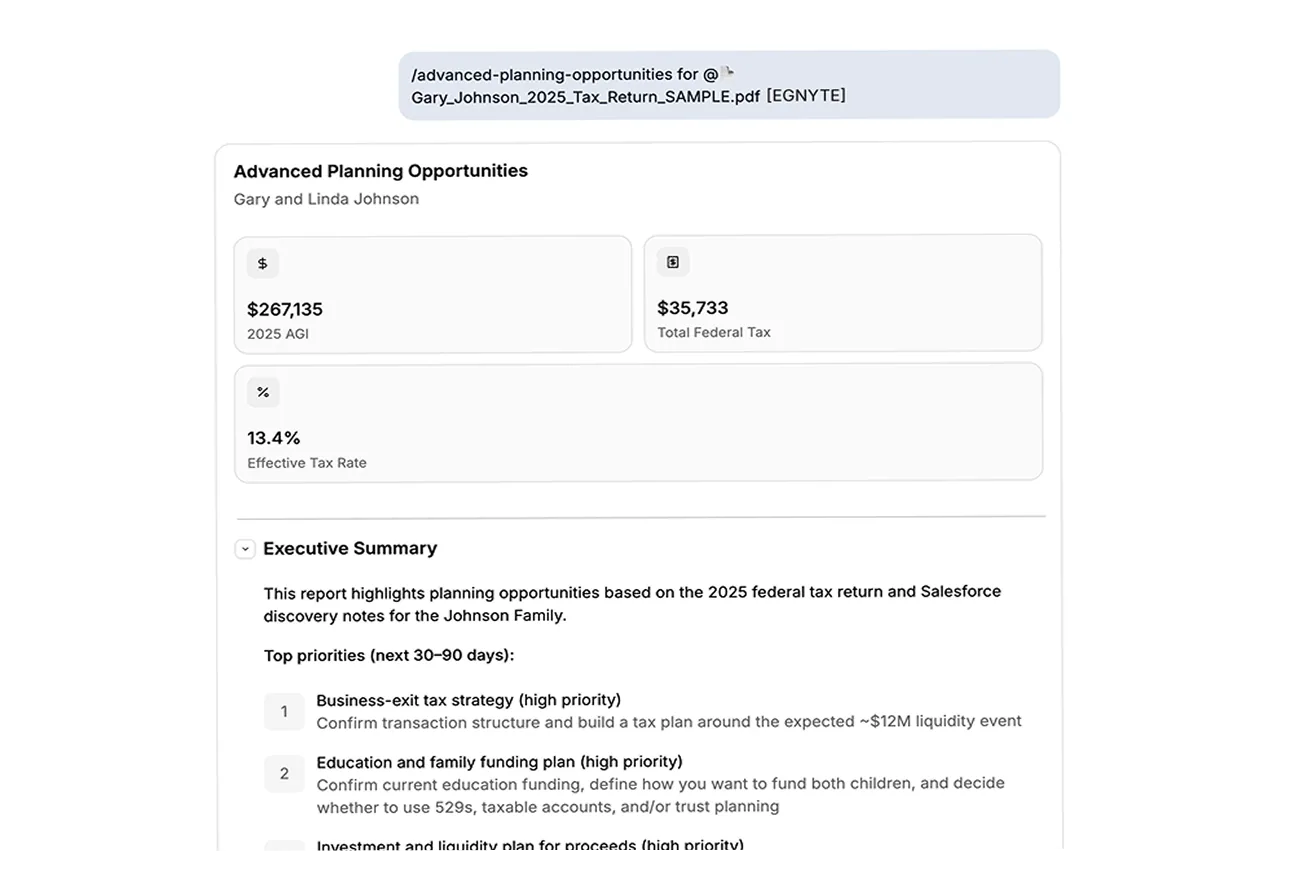
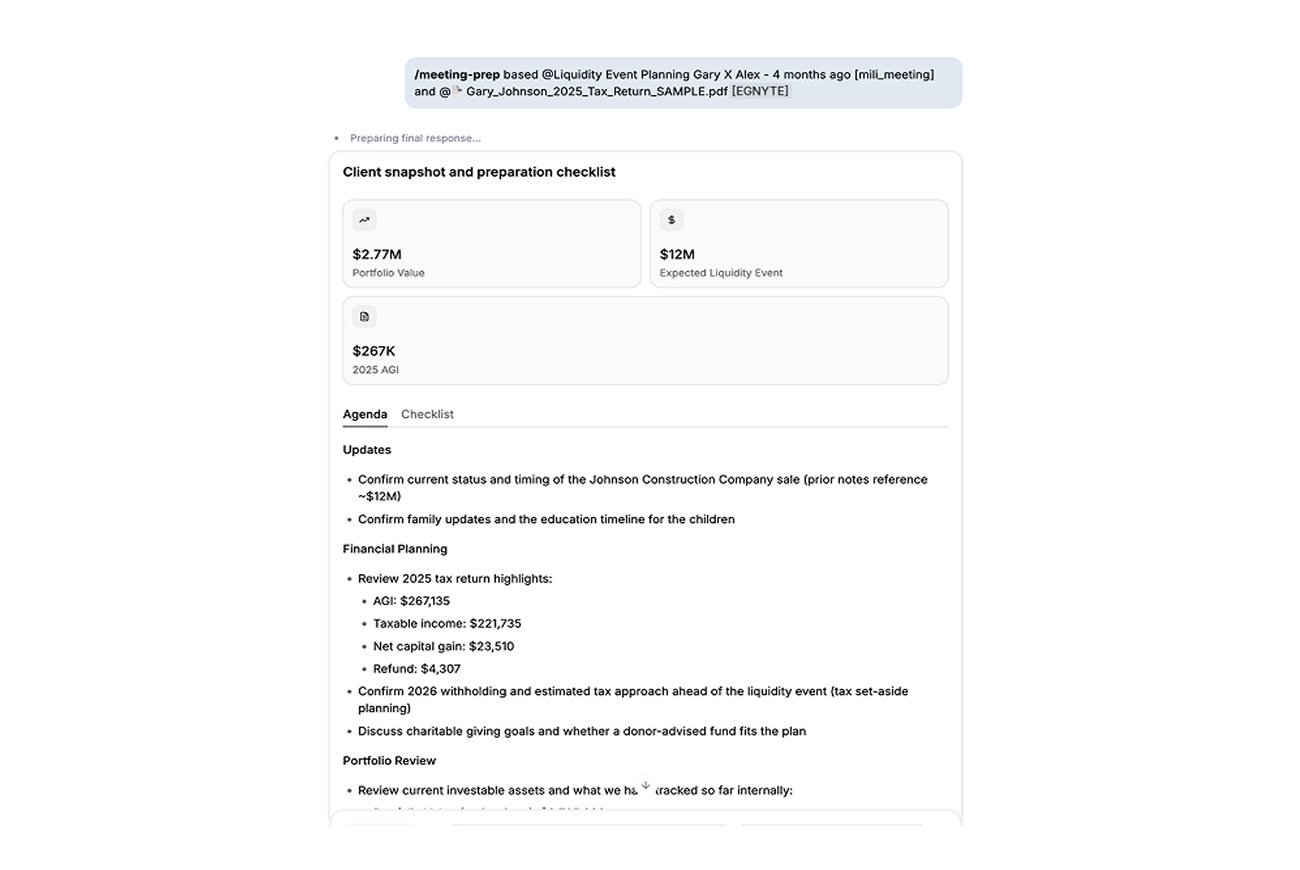
Run meeting prep that pairs a Salesforce contact with the same client's Egnyte folder. Ask for a financial snapshot straight from a statement PDF in Egnyte. Run planning skills on a client's documents. Just type @ and pick the file, no downloading, no switching tabs.
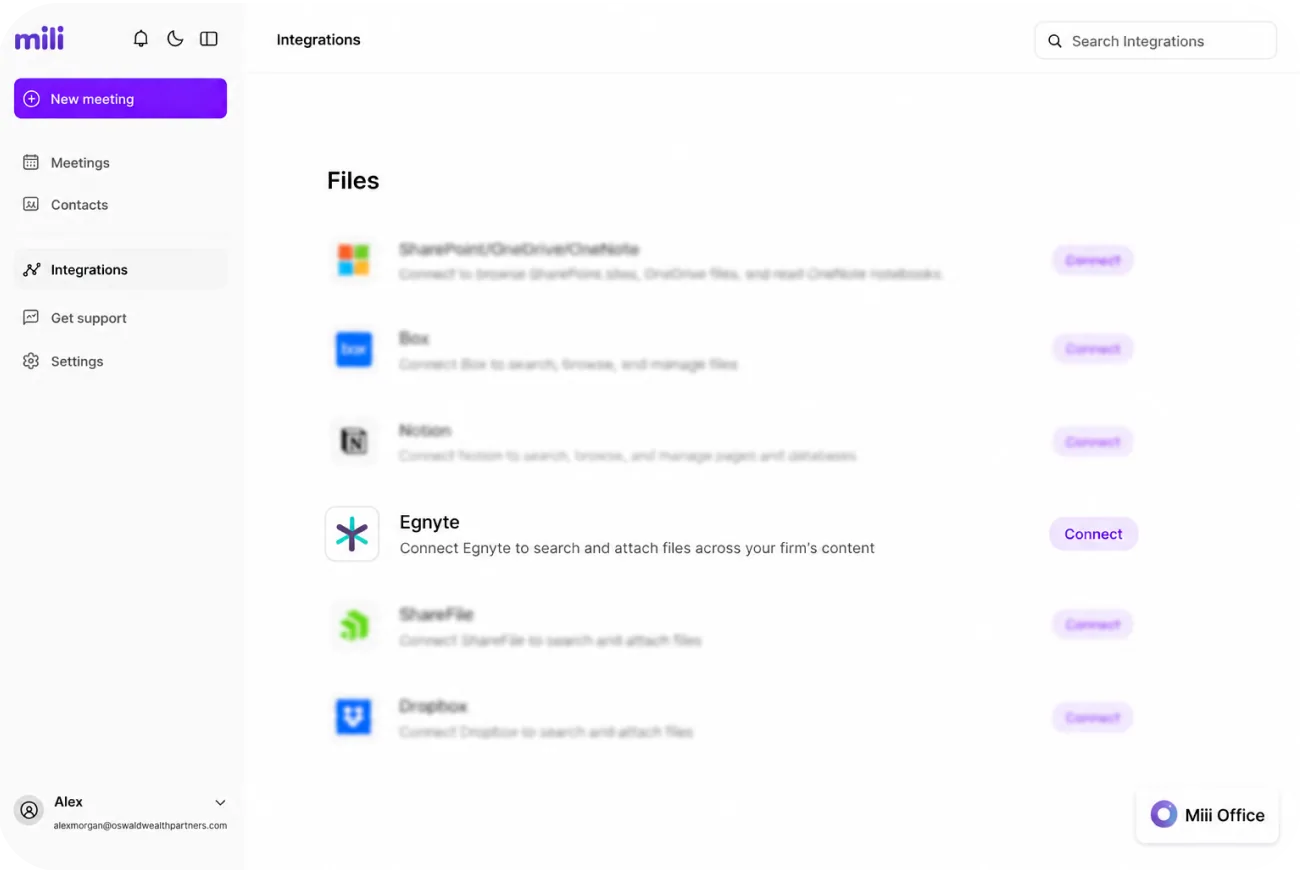
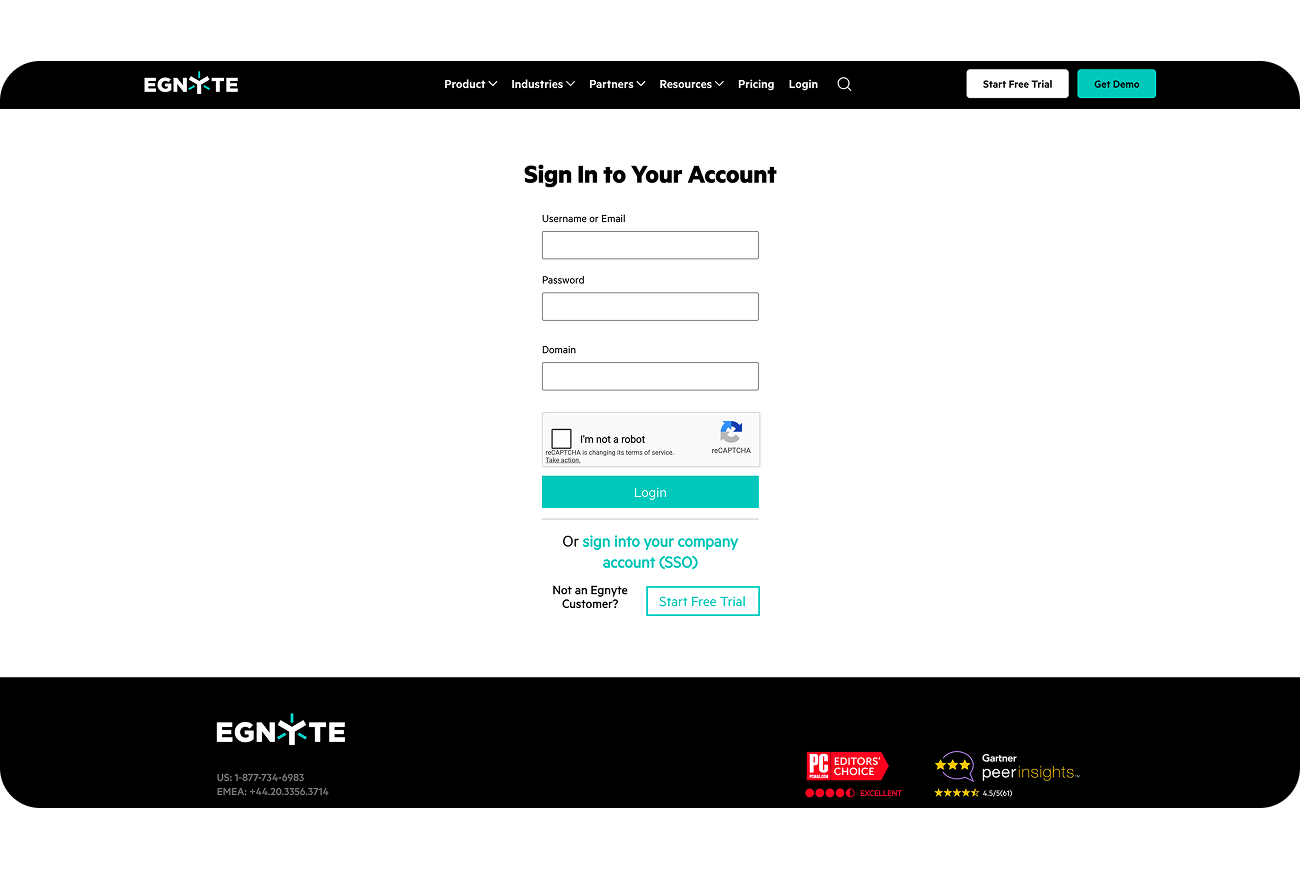
Every firm has its own Egnyte address, like acme.egnyte.com. Entering that first part tells Mili which account to connect to. You only do this once, when you connect.
No. Mili reads Egnyte with your own permissions, so it can only open the files and folders you can already access yourself.
Type @ in any chat and open the Egnyte tab to browse folders, or start typing to search by file name. You can also mention a whole folder and Mili reads across the files inside it. And you can simply ask Mili to find documents by topic, it'll search inside your Egnyte files.
No. Your files stay in Egnyte. Mili reads a file only when you ask for it in a request, nothing gets saved on Mili's side, and there's no background scanning.
Yes. Connect Box, ShareFile and Mili's other supported document stores, alongside Egnyte, You can even mix them in a single request, like pairing a Salesforce contact with a Egnyte file for meeting prep.
Every answer in Mili Office comes with source links, so you can see exactly which file or record it came from and check it yourself.
