

Get started with Mili + Box
How it works

Webinar
Frequently Asked Questions
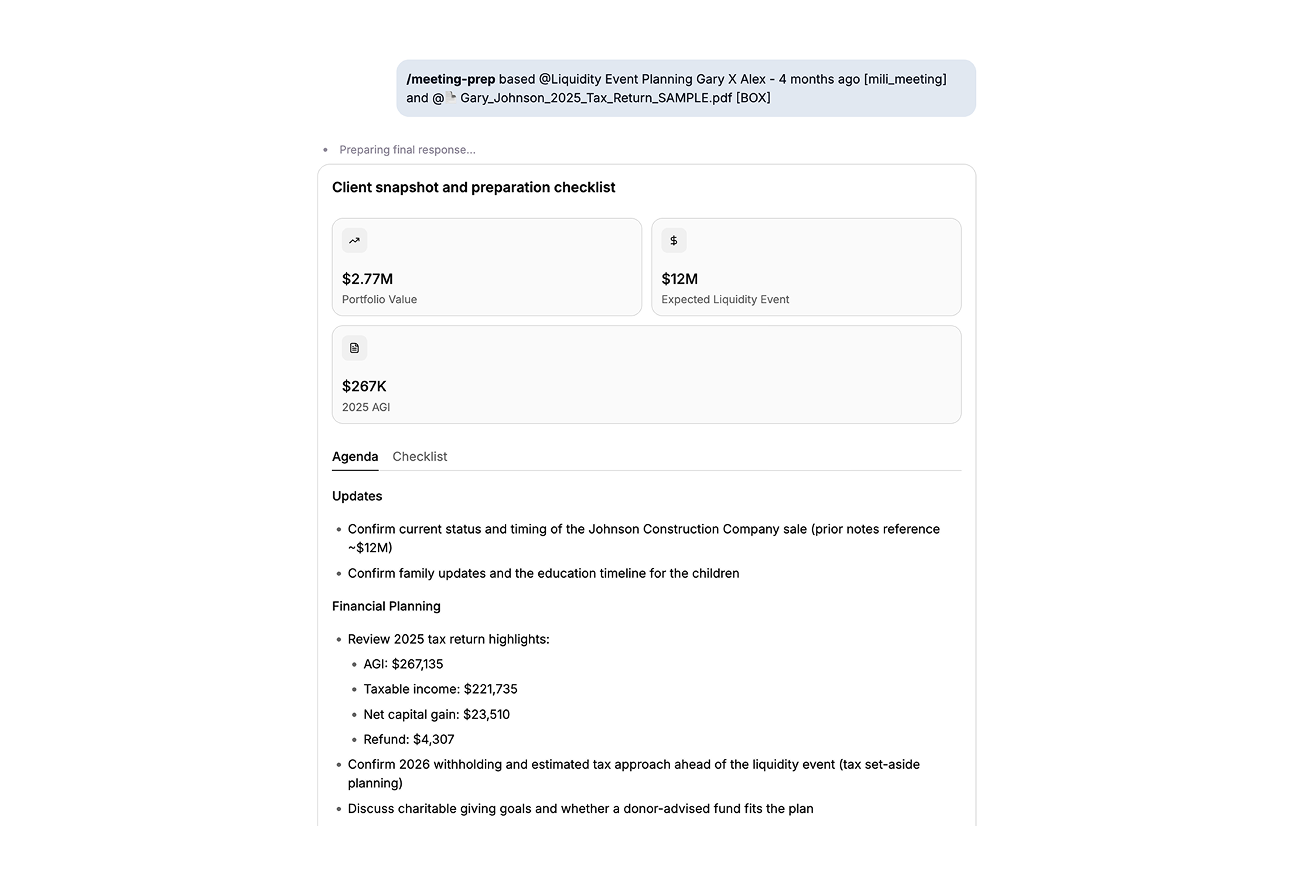
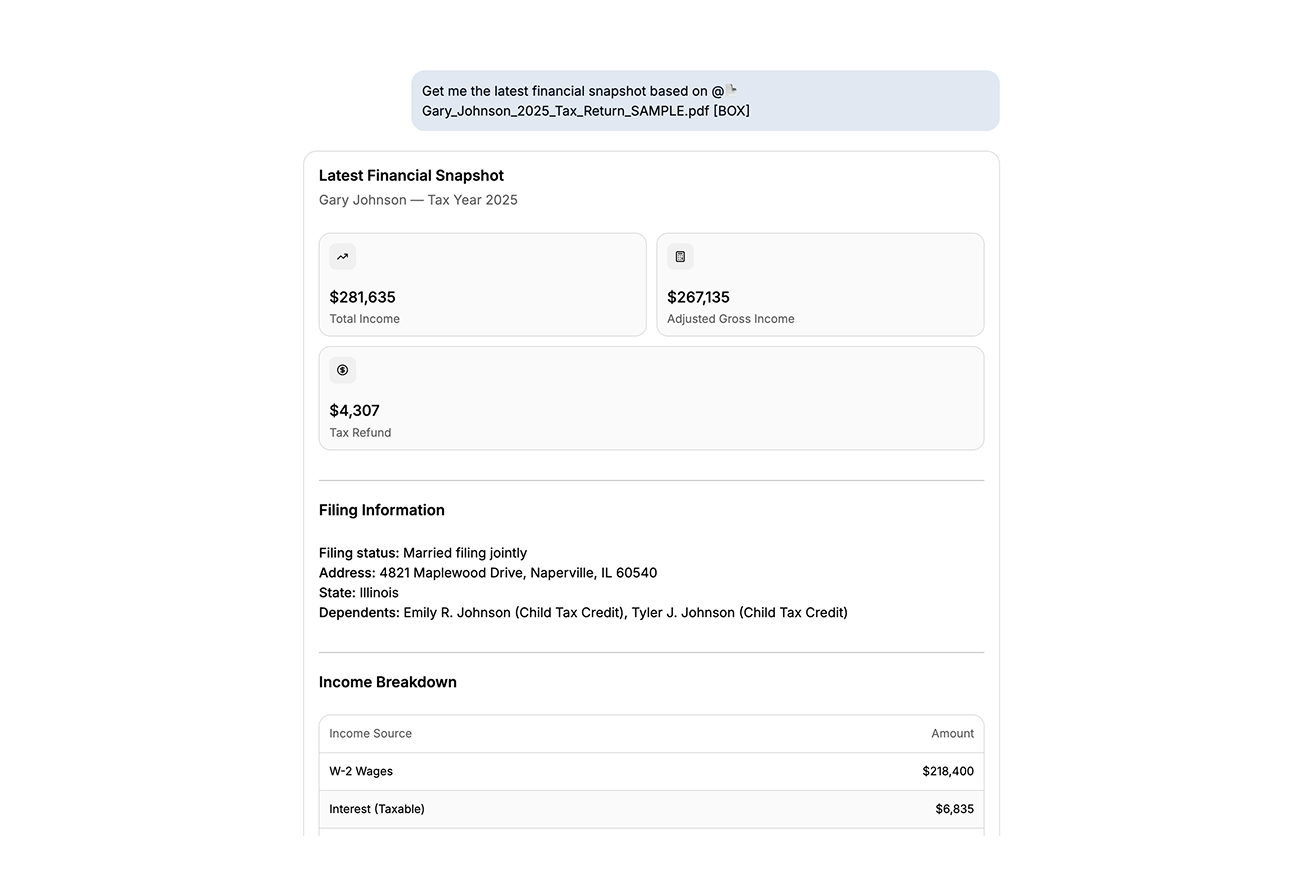
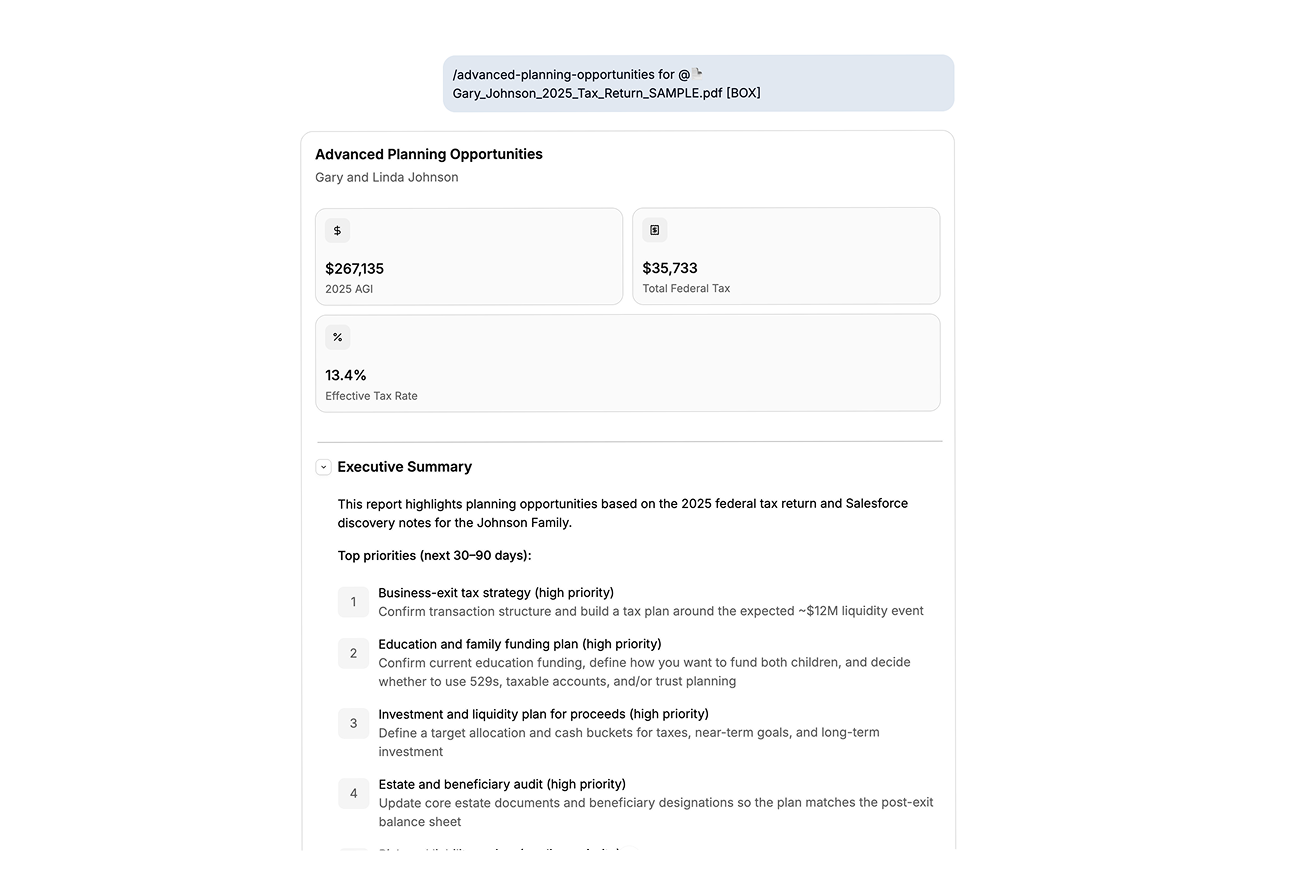
Pull a client's statement into meeting prep. Ask for a financial snapshot from a PDF sitting in Box. Run planning skills using a client's Box folder. Just type @ in any chat and pick the file, no downloading, no switching tabs.
Mili can access whatever your Box account can access, nothing more. If a folder isn't shared with you in Box, Mili can't see it either.
Yes. Box works along Mili's other supported document stores. When you type @, you'll see all of them in one place.
No. Mili opens a file only when you ask for it in a request. There's no background scanning and no indexing of your Box account.
No. Your files stay in Box. Mili reads a file for your request and that's it, nothing gets saved on Mili's side.
Yes. Connect Dropbox, ShareFile, and Mili's other supported document stores alongside Box. You can even mix them in a single request, like pairing a Salesforce contact with a Box file for meeting prep.
Every answer in Mili Office comes with source links, so you can see exactly which file or record it came from and check it yourself.
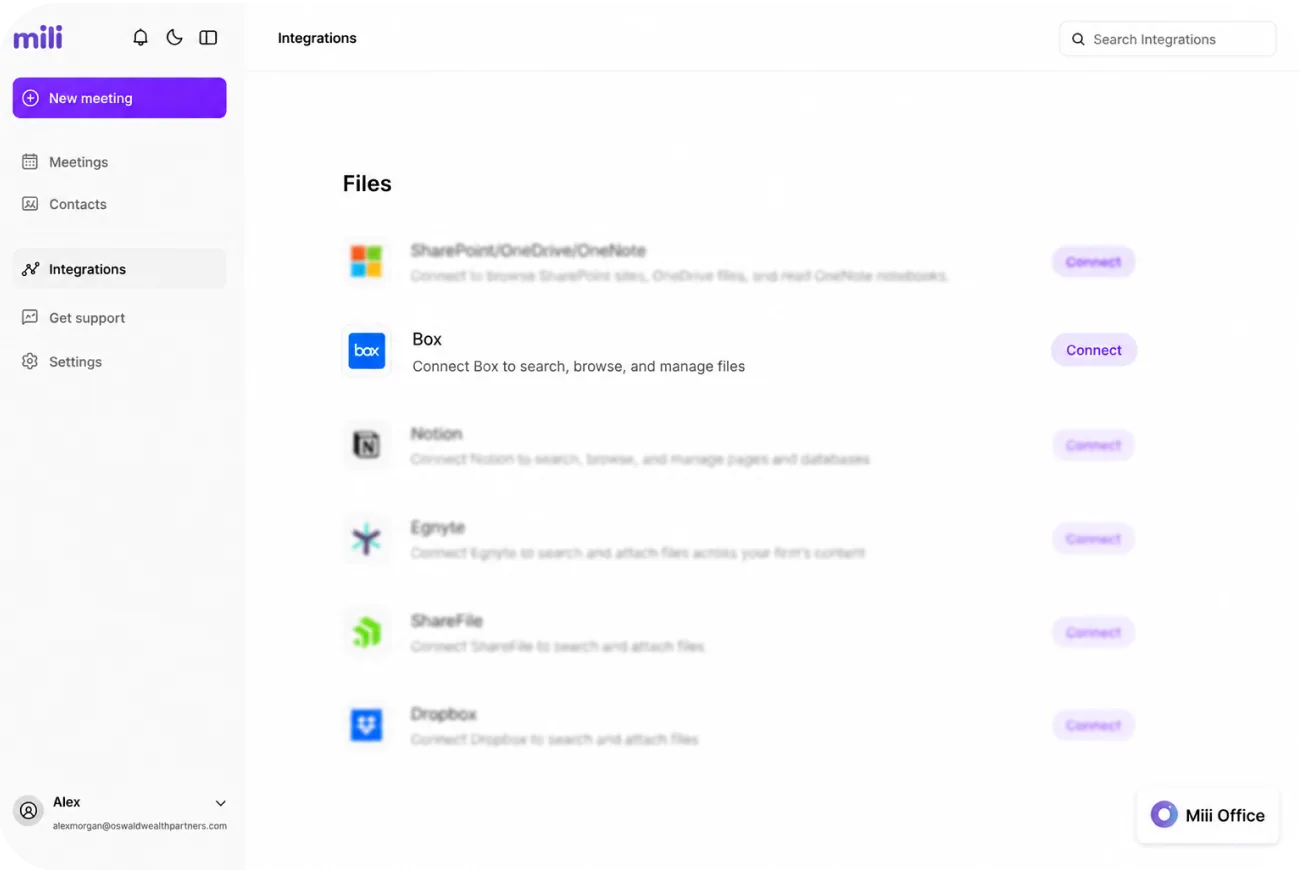
Go to Integrations → Box and click Disconnect. If you change your mind, reconnecting takes one click. Questions? Email support@getmili.ai.
