


Get started with Mili + Black Diamond
How it works
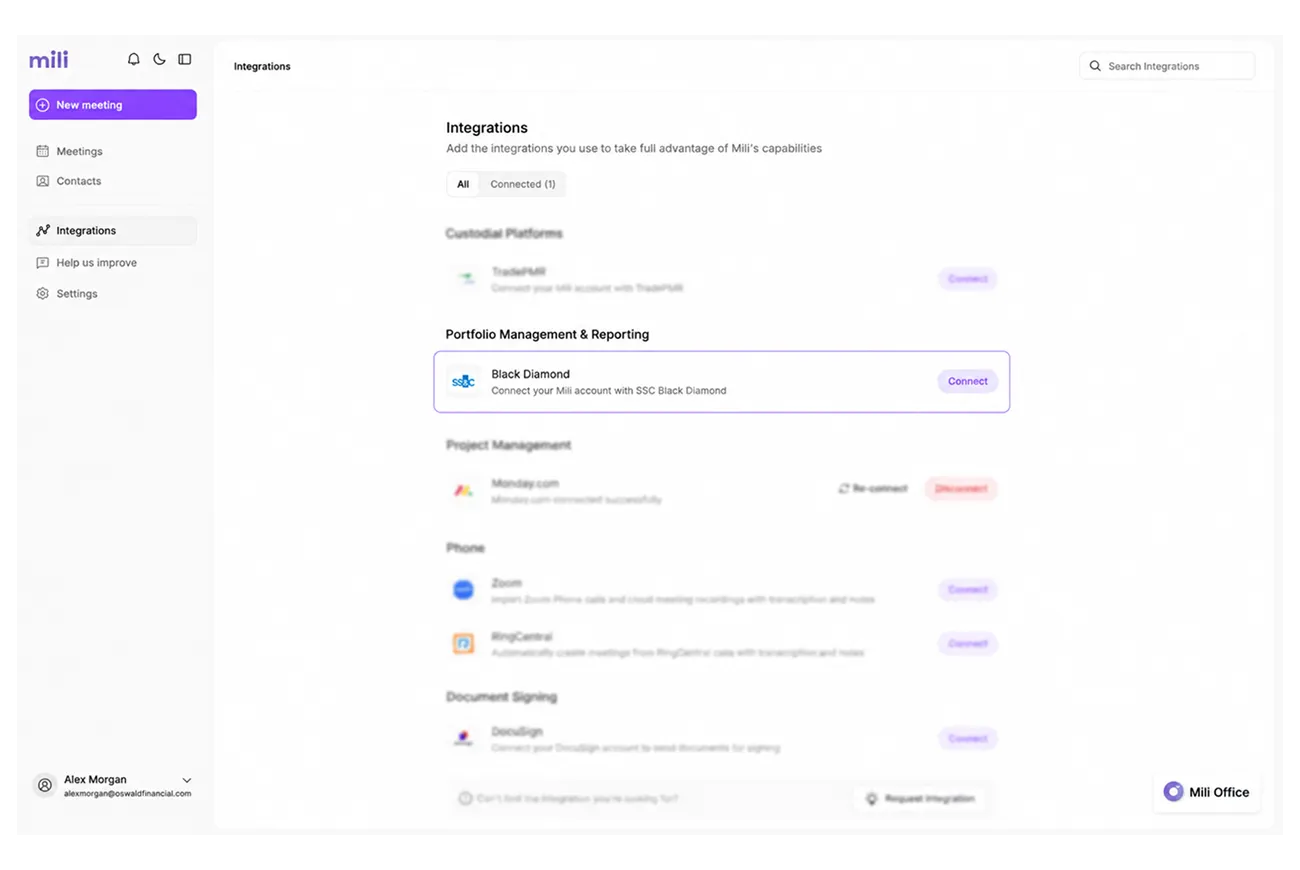

Webinar
Frequently Asked Questions
Mili fetches a comprehensive client snapshot, relationships, contacts, accounts, portfolios, holdings, asset allocation, fixed income positions, cost basis and tax lots, transactions, timeline posts, and more. This gives Mili rich financial context for meeting prep, client reviews, and queries.
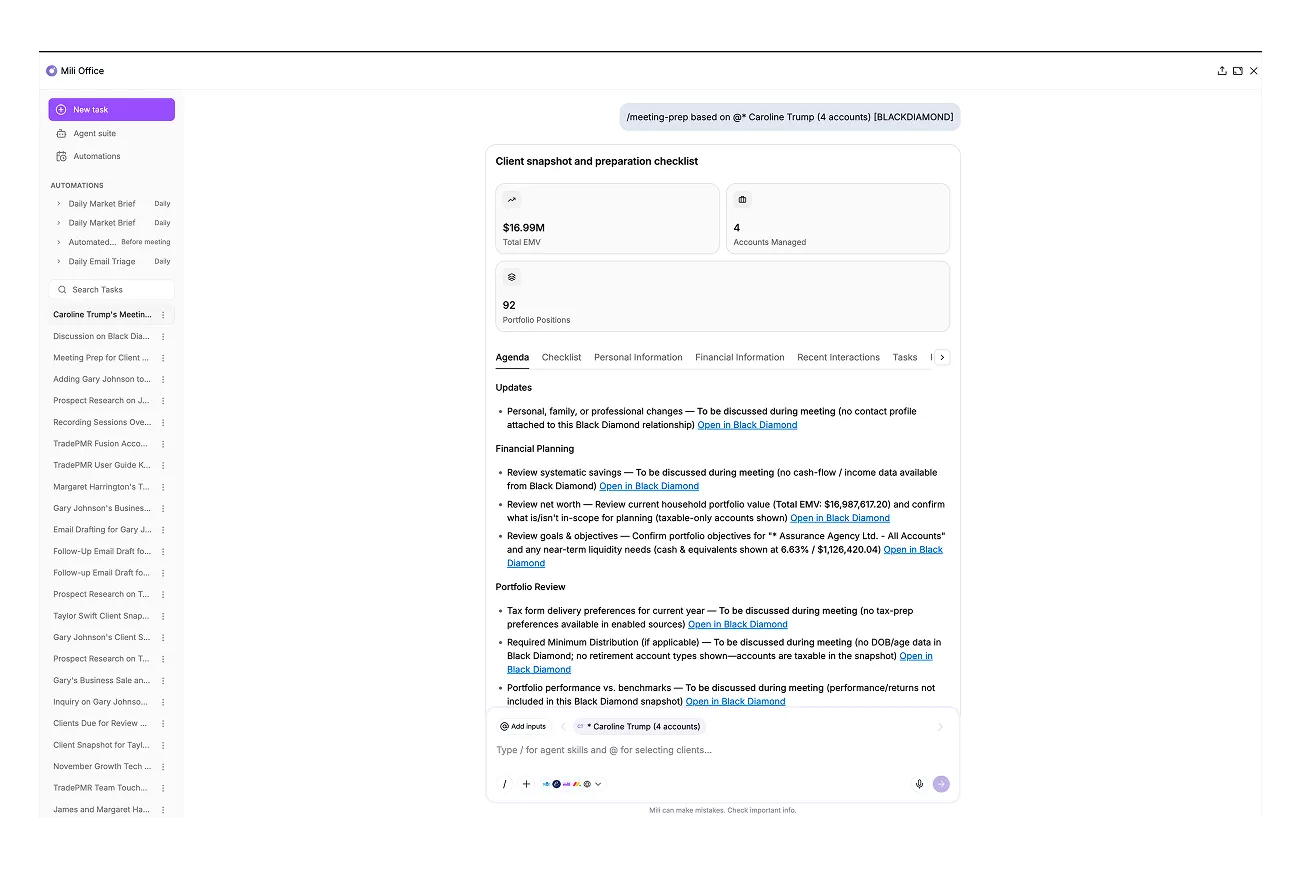
Before a meeting, Mili pulls the household's financial picture from Black Diamond and lays out the key data and charts. You walk in ready, without digging through screens to reconstruct where things stand.
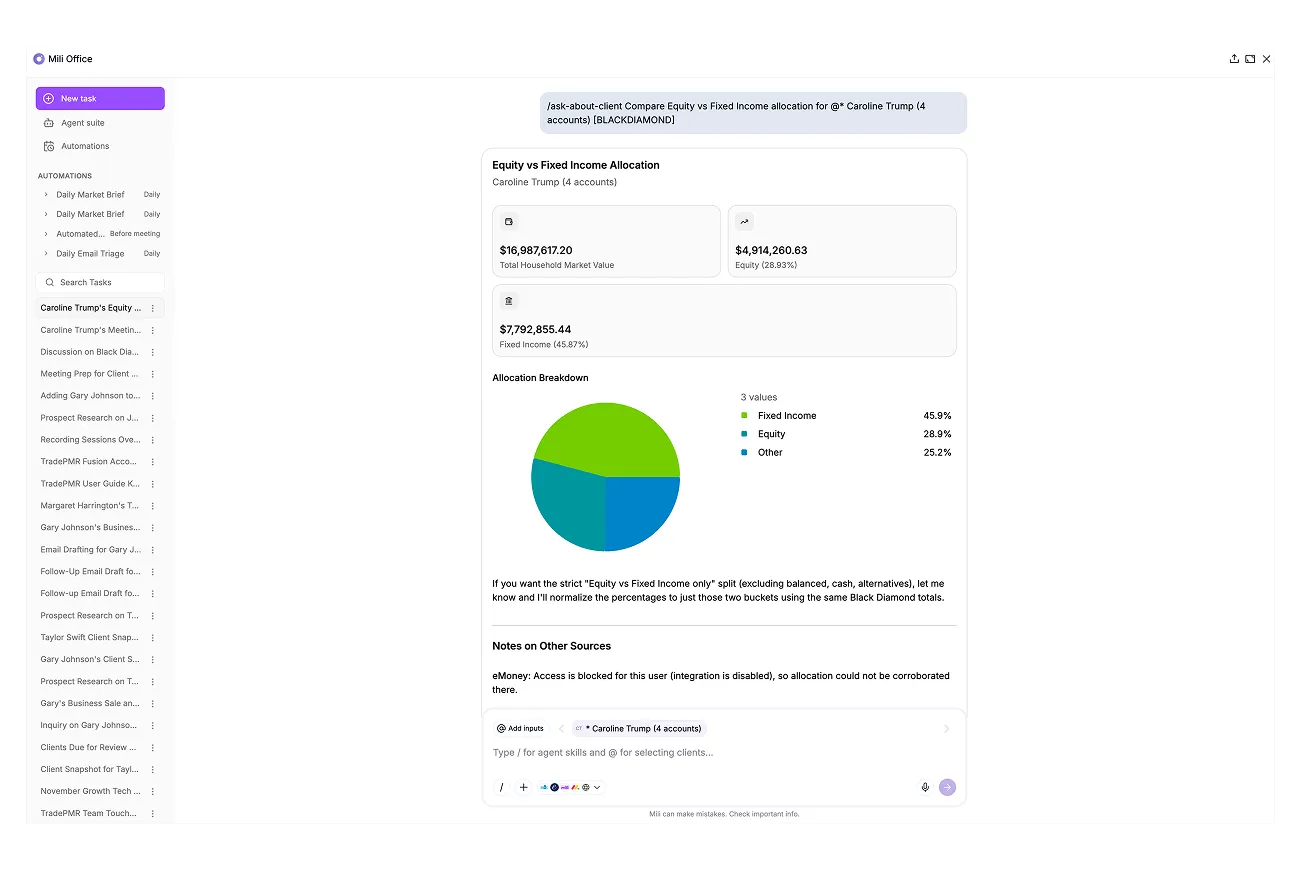
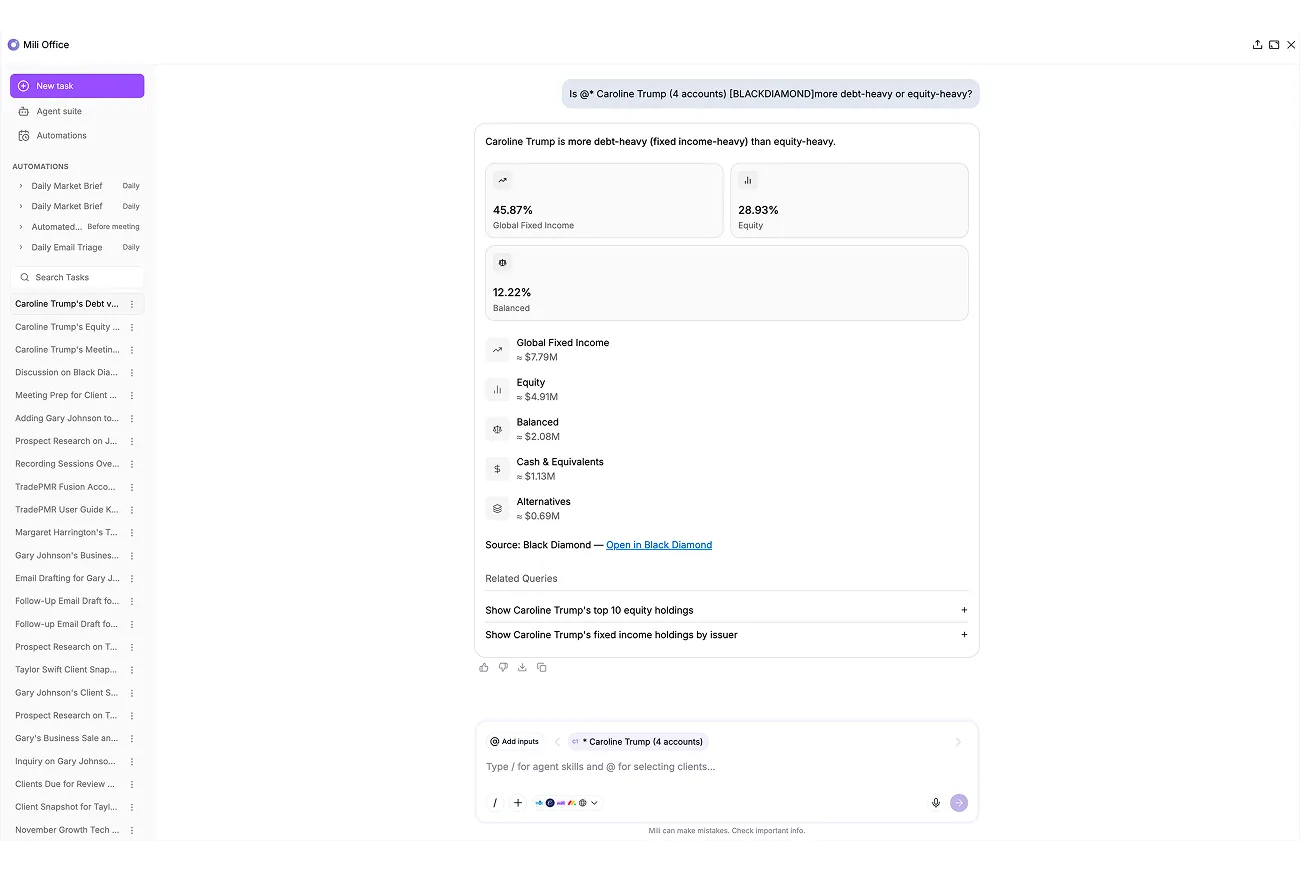
Yes. With Ask About Client, you can ask client-specific questions and Mili answers using that household's Black Diamond data, accounts, holdings, allocation, transactions, and more.
Yes. You can run general queries in Mili Office and get answers grounded in your Black Diamond data, so you find what you need fast without switching tools.
At Mili, we believe in intentional data access. Mili fetches a client snapshot when you select a household or relationship, so data comes in on demand rather than constantly syncing in the background.
The integration respects your existing Black Diamond permissions. If you can see it in Black Diamond, you can access it through Mili. Your security model stays intact.
Every answer in Mili Office includes source links showing exactly where the information came from. This grounding approach enables you to verify key outputs and reduces the risk of AI hallucinations.
