

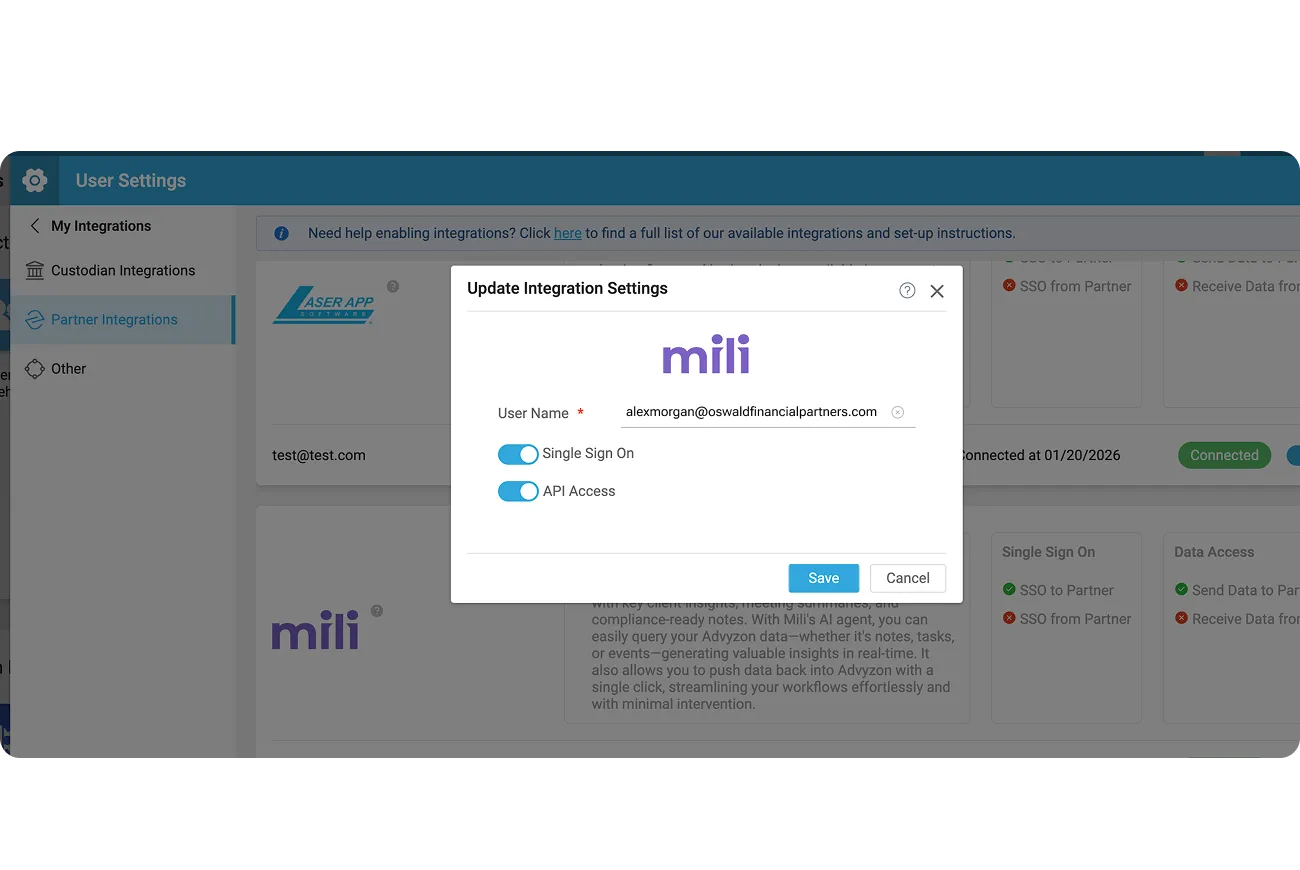
Get started with Mili + Advyzon
How it works

Webinar
Frequently Asked Questions
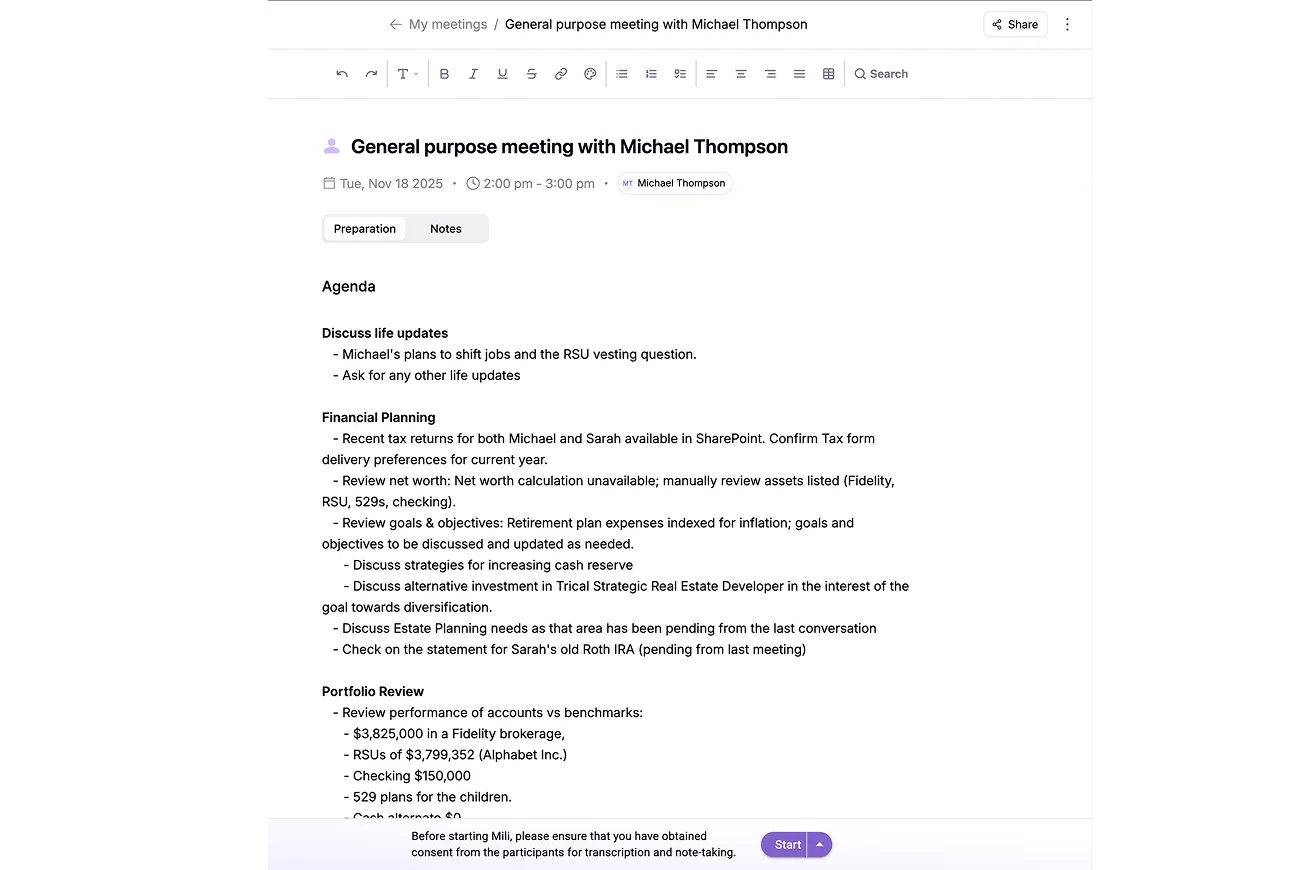
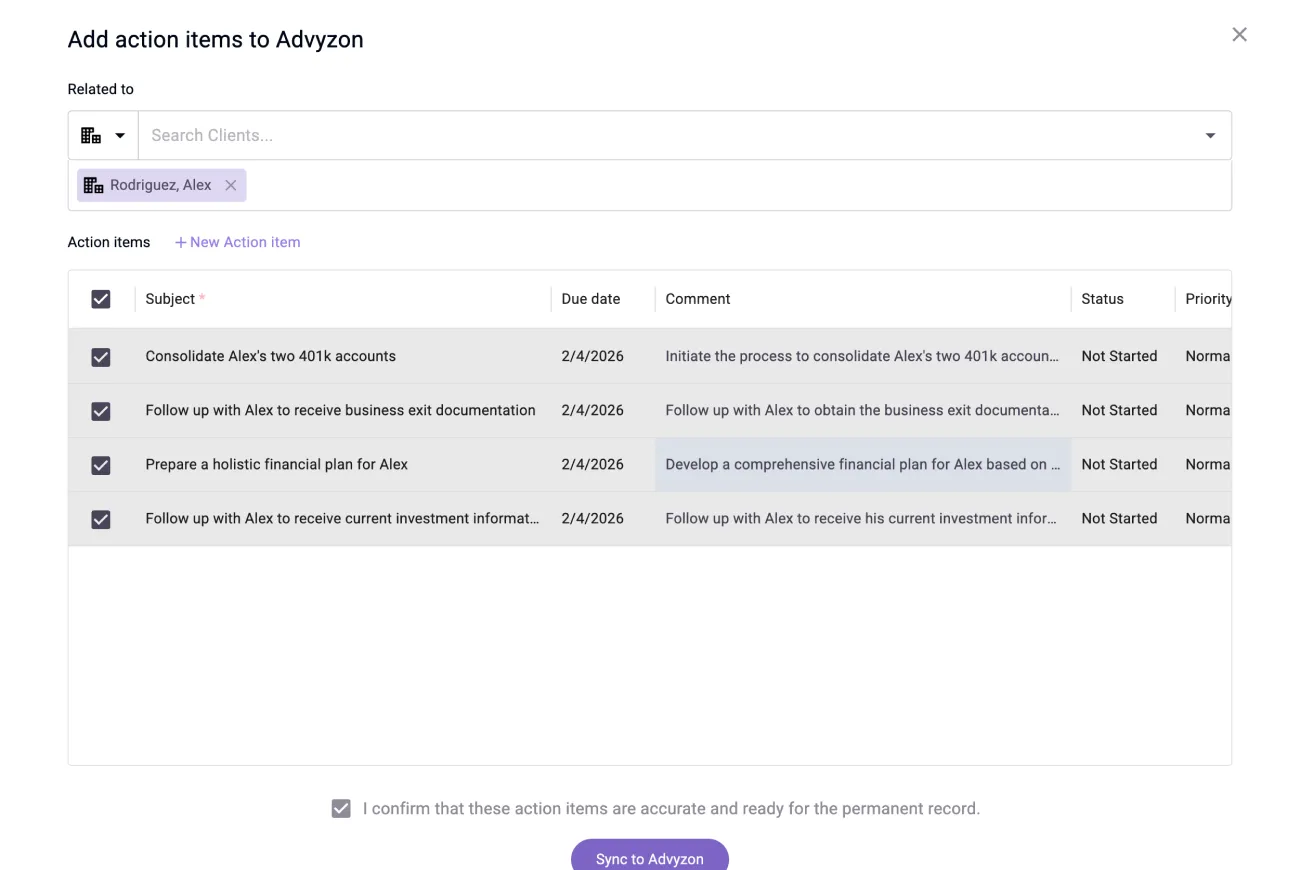
Meeting summaries capture key discussions, decisions, and next steps. Tasks sync with complete details to Advyzon's system. With Flexi update, Mili also detects contact field changes from your notes and suggests updates to details like financial information and life events - all before anything reaches your CRM.
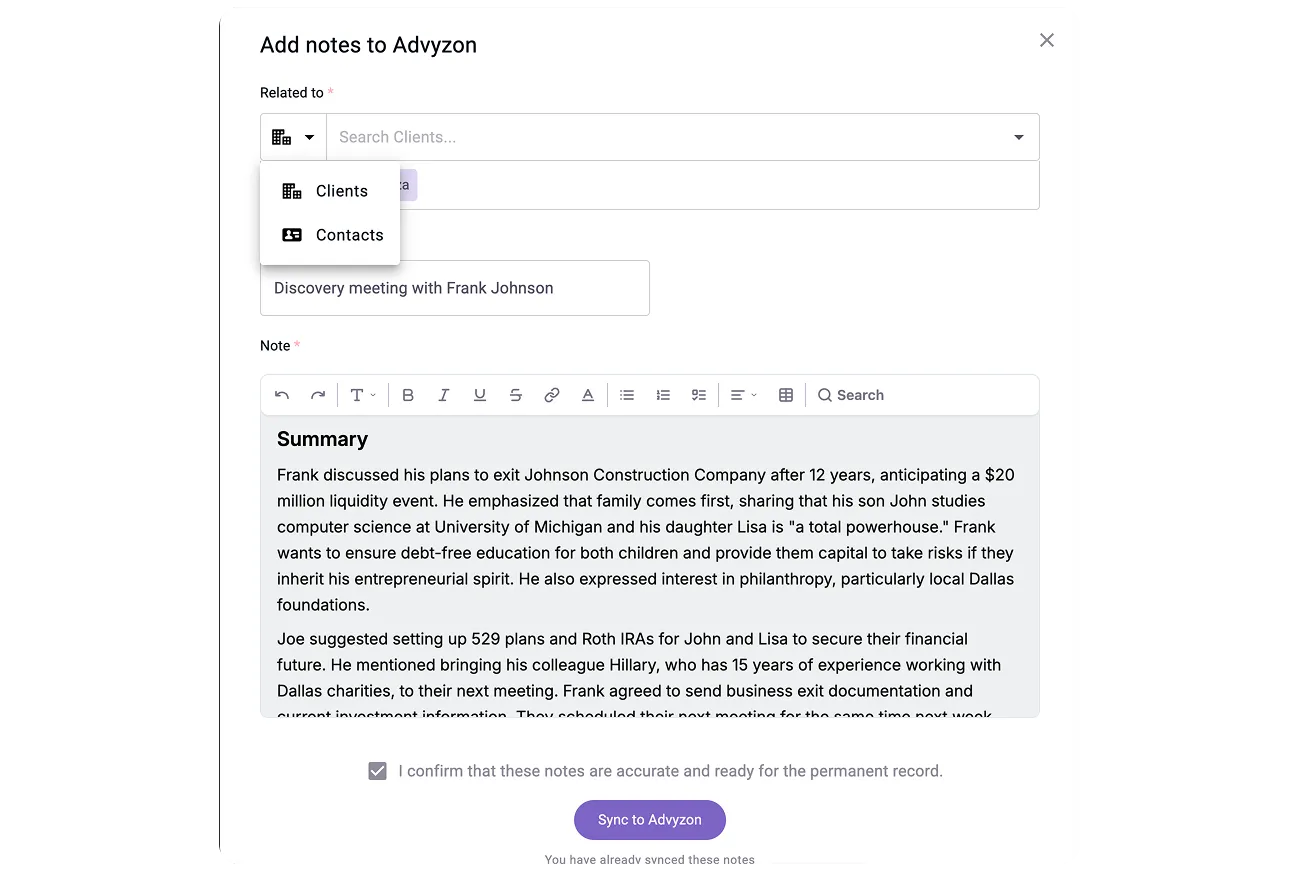
You can push to Households, Contacts, Notes, and Tasks. You can also push to standard and custom objects and fields inside Advyzon. When you sync, Mili shows exactly which destinations are available based on your setup.
Every sync requires your explicit approval. You review all notes, tasks, and field updates before they enter Advyzon. That means your CRM stays accurate and up to date.
At Mili, we believe in intentional data access. The integration runs an automatic daily sync for households and contacts to keep your records current. Meeting data only syncs on-demand, after your review. Mili does not access or store client data beyond these scheduled and user-triggered actions.
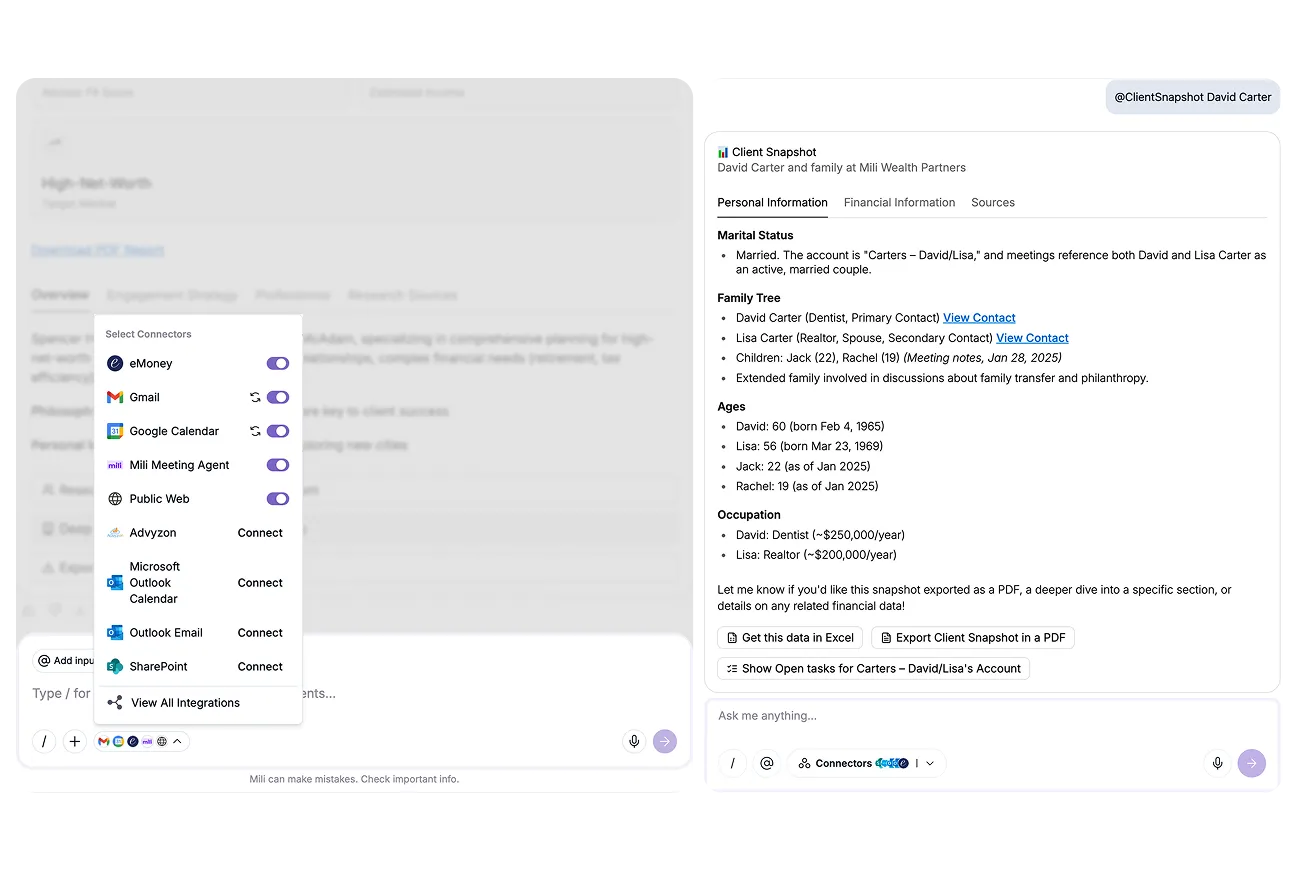
The integration matches your exact Advyzon user permissions. If you can see it in Advyzon, you can access it through Mili. Your existing security model stays intact.
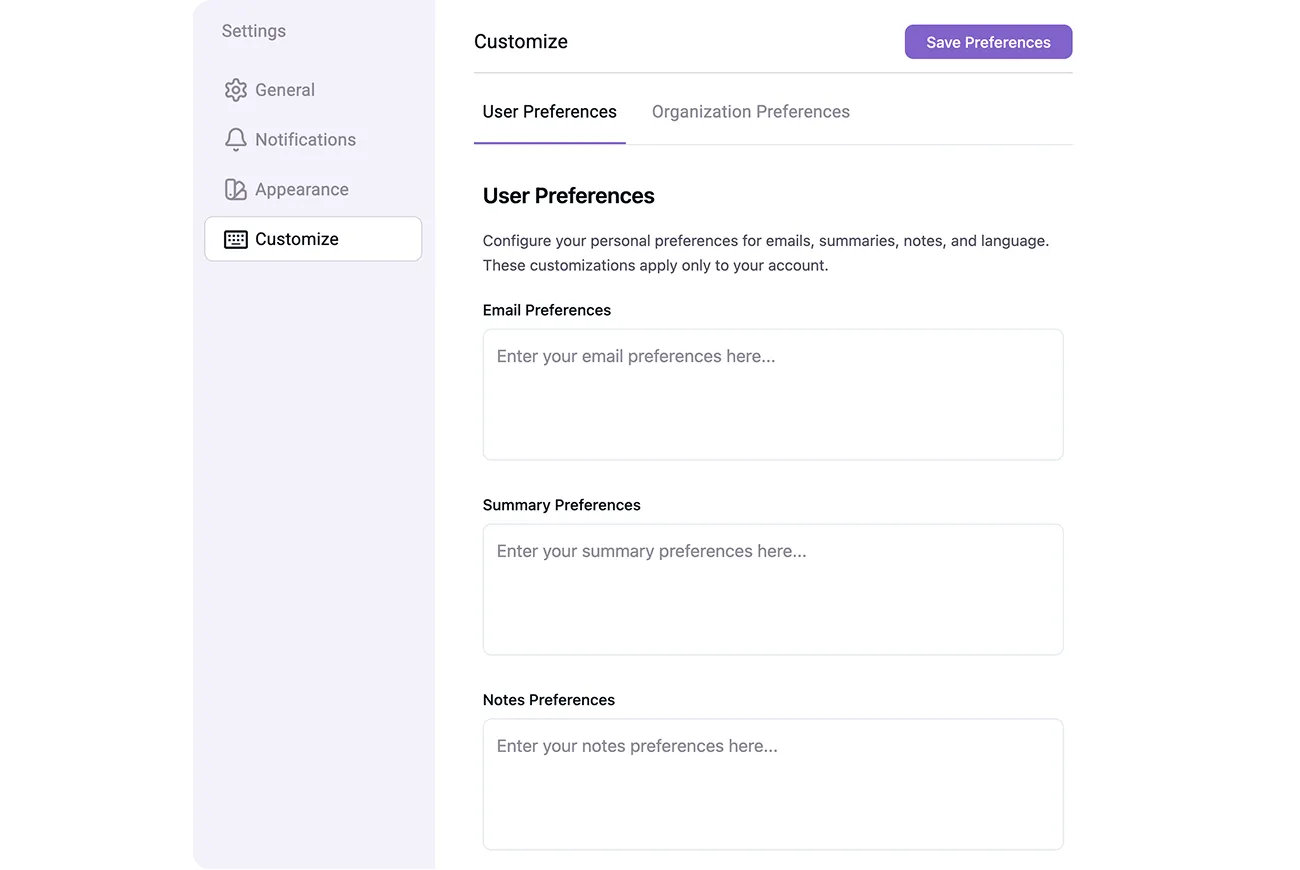
Yes, your dedicated CSM will help configure which data types push to which objects, custom field mappings, and naming conventions for tasks. All sync preferences are user-regulated and can be customized per firm requirements. Email support@getmili.ai to discuss your specific Advyzon workflow requirements.
Every answer in Mili Office includes source links showing exactly where the information came from. This grounding approach enables you to verify key outputs and reduces the risk of AI hallucinations.
